WiFi hotspot on/off widget

7.6 54

v1.1 von Arthur Lin

WiFi hotspot on/off widget APK Herunterladen WiFi hotspot on/off widget APK Herunterladen

Über WiFi hotspot on/off widget

WiFi hotspot on/off widget (Paketname: com.pros.android.hotspotOnoff) wird von Arthur Lin entwickelt und die neueste Version von WiFi hotspot on/off widget 1.1 wurde am 12. Mai 2014 aktualisiert. WiFi hotspot on/off widget liegt in der Kategorie von Tools. Sie können alle Apps von dem Entwickler der WiFi hotspot on/off widget durchsuchen. Derzeit ist diese APP kostenlos. Diese App kann auf Android 2.2+ auf APKFab oder Google Play heruntergeladen werden. Alle APK/XAPK Dateien auf APKFab.com sind original und 100% sicher, schnell herunterzuladen.
***Wi-Fi hotspot turn on and off switch***
This widget has been verified with compliance to android 4.0, 4.1, 4.2, 4.3 & 4.4.
No guarantee to be compatible with Android 5.x and above.
Don't leave 1 start after installation on Android 5.x.
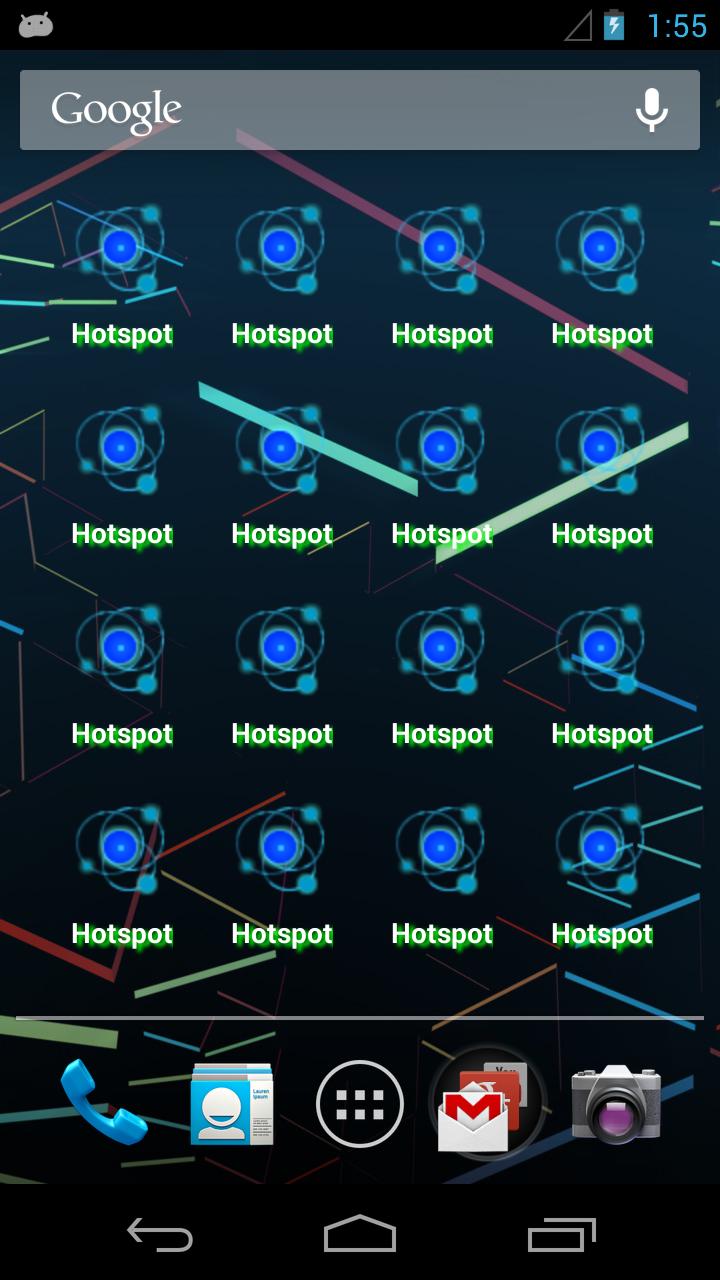
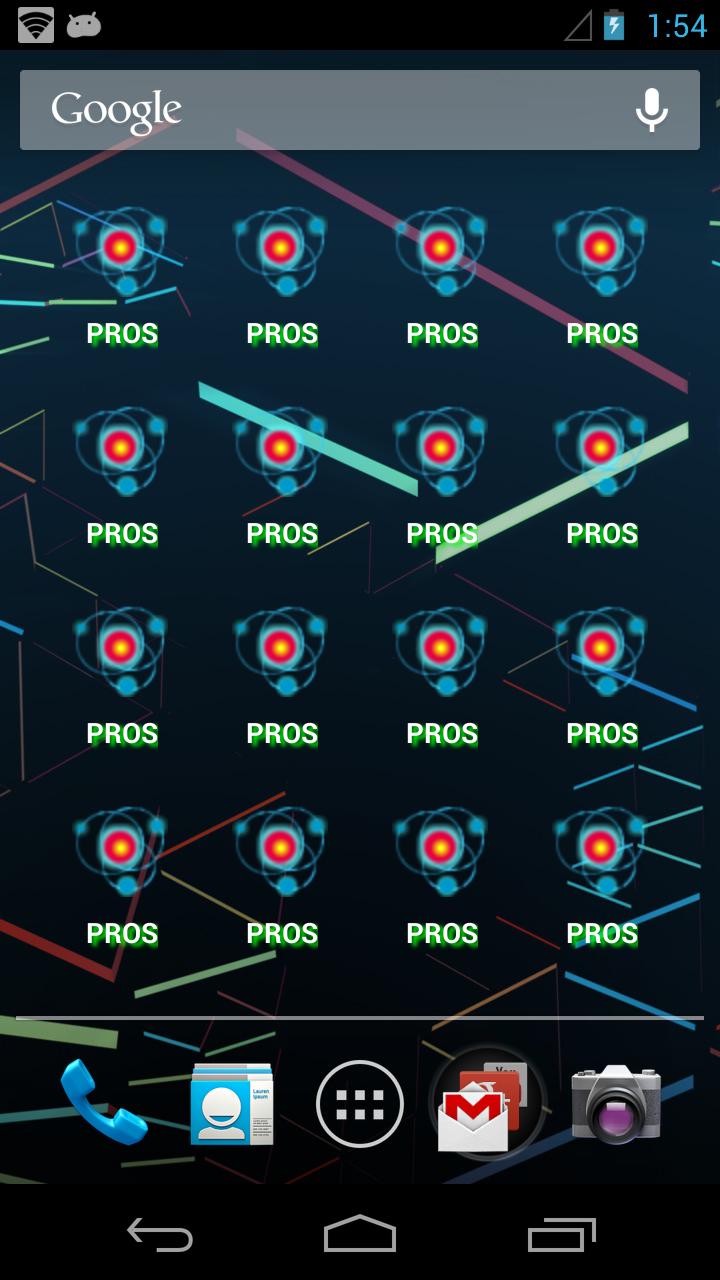
Toggle Android's mobile hotspot function, the icon will show a simple animation and change color of the status.
SSID will be displayed below the icon.
Try to create a short cut on home screen, and it will help you to enable or disable hotspot mode quickly.
Go to my apps/widgets, tap widgets, scrolled through until you found it then held down and placed it on main screen.
PROS is a professional team dedicated for wireless connectivity technology.
**Once you encounter any problem, please feel free to feedback with details.**

WiFi hotspot on/off widget 1.1 Update

v1.1 release
1. Turn off the hotspot, previous Wi-Fi setting will be recovered. No need to re-enable Wi-Fi.
2. Change Font from blur with shadow to clear font.

Mehr lesen
WiFi hotspot on/off widget Besonderheiten
Frühere Versionen Mehr
WiFi hotspot on/off widget
WiFi hotspot on/off widget 1.1 APK
10. Oktober 2016 27.67 KB

Requires Android: Android 2.2+

Screen DPI: 160-240dpi

SHA1: c5e80077eec2f62d9c69b7472e978f88d2b408ce

Size: 27.67 KB

What's New:

v1.1 release
1. Turn off the hotspot, previous Wi-Fi setting will be recovered. No need to re-enable Wi-Fi.
2. Change Font from blur with shadow to clear font.

Mehr Information

Verfügbar bei:

Tools Apps

Aktualisierungsdatum:

Letzte Version:

1.1

Anforderungen:

Android 2.2+