#Diktiergerät (Paketname: com.korrisoft.voice.recorder) wird von Voice Recorder & Memos Studios entwickelt und die neueste Version von Diktiergerät: Sprachmemos 4.9.0.2094 wurde am 21. Mai 2026 aktualisiert. Diktiergerät: Sprachmemos liegt in der Kategorie von Musik & Audio. Sie können alle Apps von dem Entwickler der Diktiergerät: Sprachmemos durchsuchen und 200 alternative Apps zu Diktiergerät: Sprachmemos auf Android finden. Derzeit ist diese APP kostenlos. Diese App kann auf Android 10.0+ auf APKFab oder Google Play heruntergeladen werden. Alle APK/XAPK Dateien auf APKFab.com sind original und 100% sicher, schnell herunterzuladen.
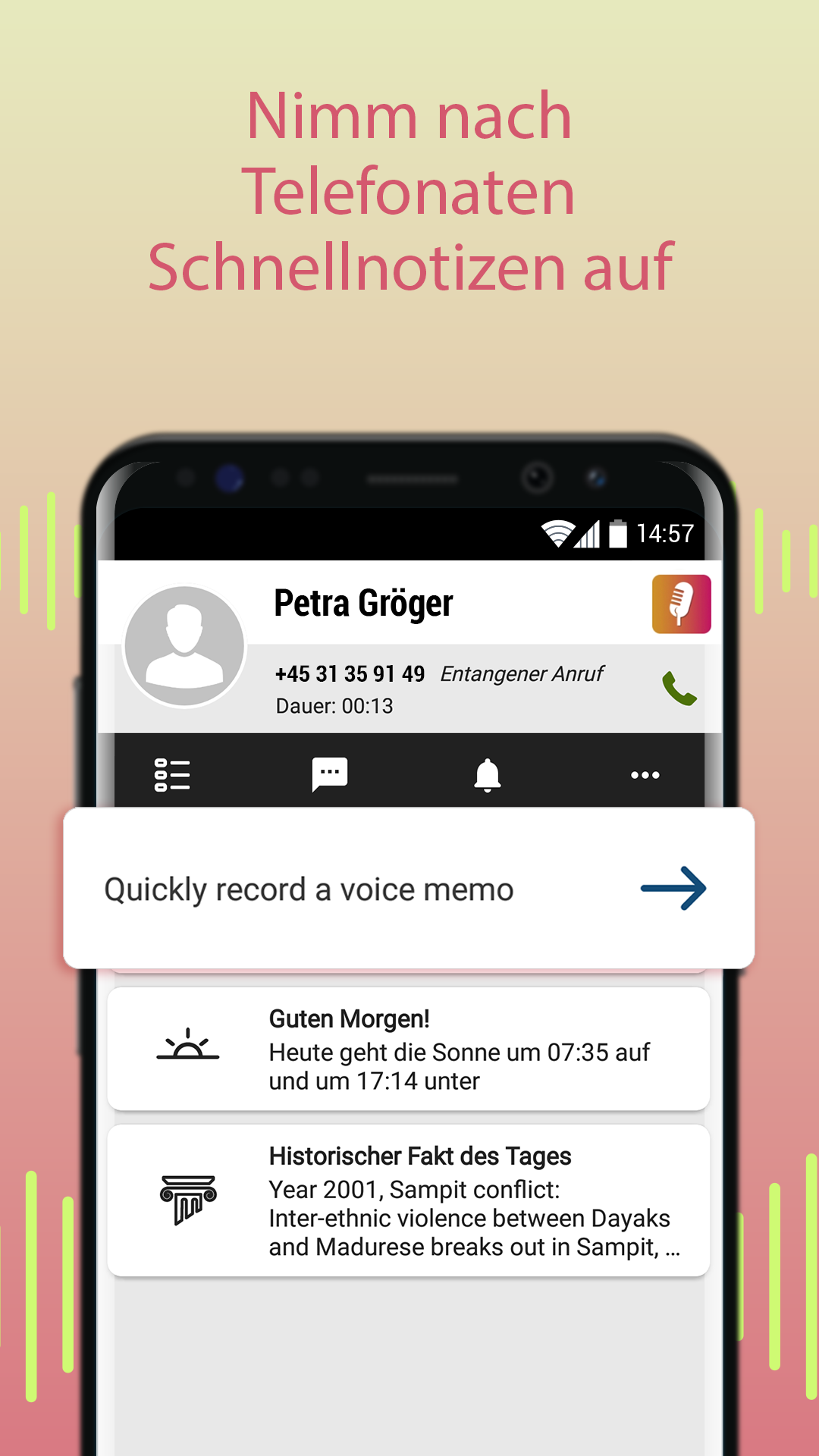
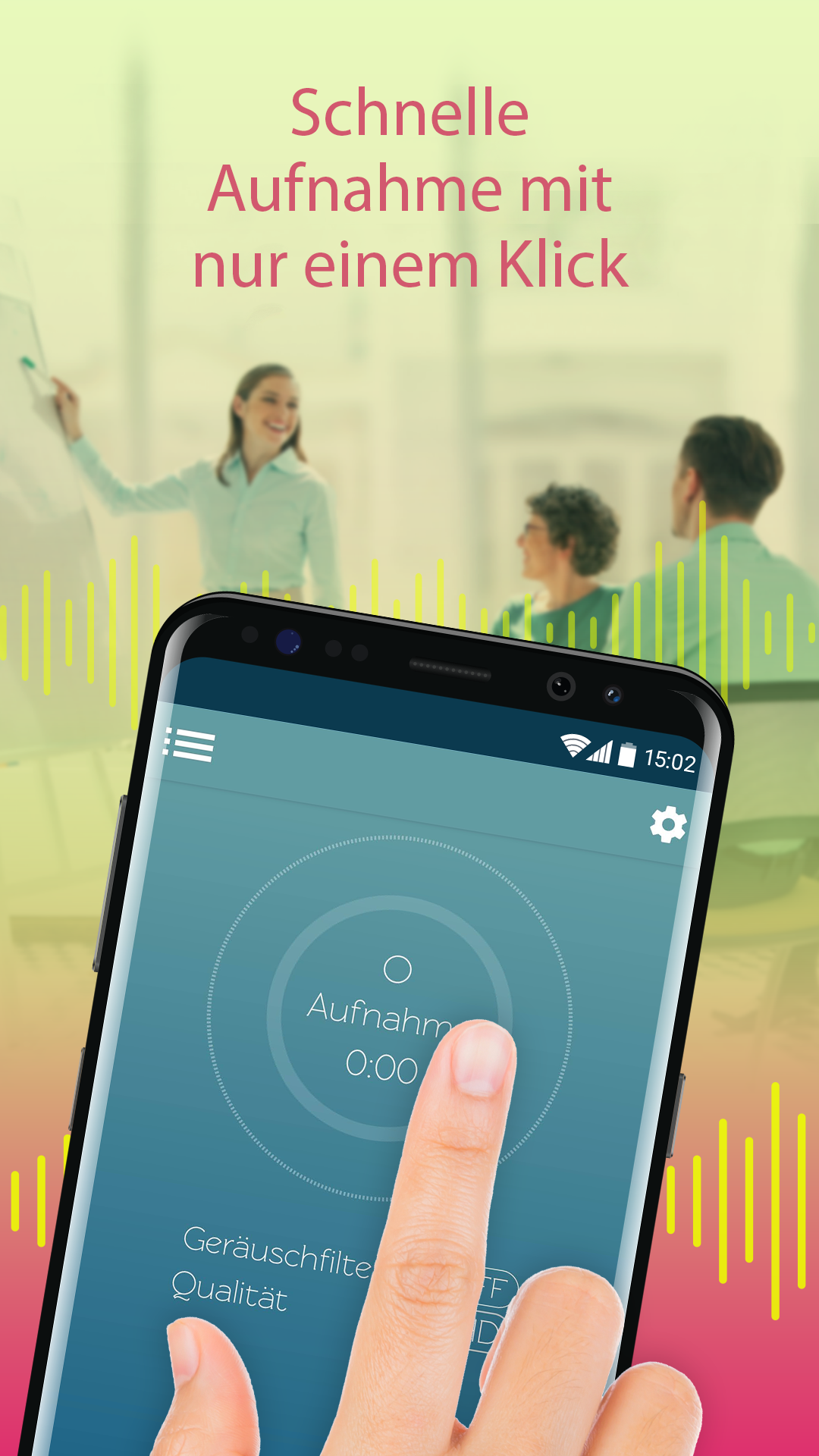
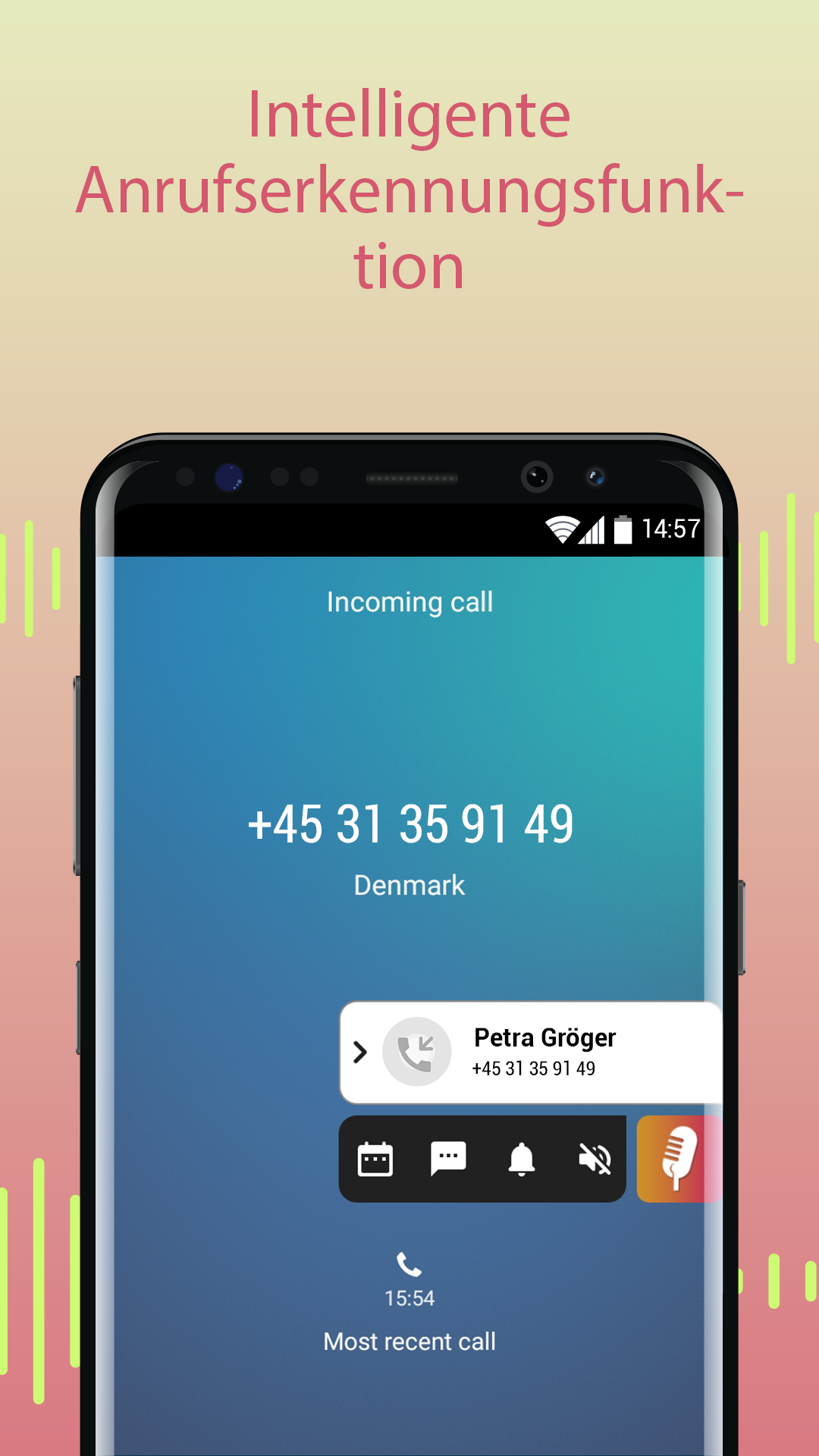
Funktionen des Sprachrecorders: • Audio-Recorder: Nehmen Sie schnell und einfach Sprache oder andere Klänge auf. • Audio-Einstellungen anpassen: Inklusive Mikrofon-Verstärkung und Klangqualität. • Optinaler Stillefilter: Unterbricht die Aufnahme automatisch, wenn Stille herrscht. • Richten Sie Aufnahmen als personalisierten Klingelton, Standardklingelton, Benachrichtigungs- oder Alarmton ein. • Echtzeit-Anrufererkennung mit Spamwarnung: Sie wissen jederzeit, wer anruft. • Stimmaufnahme: Mit nur einem Klick direkt nach Telefonanrufen aufzeichnen. • Speichern, benennen und teilen Sie ganz einfach Ihre Aufzeichnungen. Mit dieser Sprachrecorder-App wird Ihr Telefon im Nu zu einem mächtigen Klangrecorder mit vielen tollen Funktionen – inklusive Einstellungen, mit denen Sie Mikrofonverstärkung und Klangqualität einrichten. Auf dem Aufzeichnungsbildschirm selbst können Sie den Aufnahme-Ring mit zwei Fingern ausdehnen, um die Empfindlichkeit des Mikrofons anzupassen, und die Aufnahme-Niveaus an der sich verändernden Farbe erkennen.
#Diktiergerät 4.9.0.2094 Update
- A new playback screen that brings all your controls into one central view — clean, unified, intuitive - Fast-rewind and fast-forward controls to jump ahead or back in the audio - Scrub through the recording by sliding the timeline bar to pick exactly where to listen - Adjust playback speed (e.g., slower or faster) to suit your listening preference - Beautiful waveform visualization displays the audio as it plays - Bug fixes
APKFab.com und der Download-Link dieser App sind 100% sicher. Alle auf APKFab.com aufgelisteten Download-Links für Apps stammen aus Google Play Store oder werden von Benutzern eingereicht. Bei der App aus Google Play Store wird sie von APKFab.com in keiner Weise geändert. Bei der von Benutzern eingereichten App überprüft APKFab.com die Sicherheit der APK-Signatur, bevor sie auf unserer Webseite veröffentlicht wird.