InDrive (Paketname: com.codesector.indrive) wird von Code Sector entwickelt und die neueste Version von InDrive: Custom Car Home 1.4.0 wurde am 21. September 2015 aktualisiert. InDrive: Custom Car Home liegt in der Kategorie von Karten & Navigation. Sie können alle Apps von dem Entwickler der InDrive: Custom Car Home durchsuchen und 51 alternative Apps zu InDrive: Custom Car Home auf Android finden. Derzeit ist diese APP kostenlos. Diese App kann auf Android 4.0.3+ auf APKFab oder Google Play heruntergeladen werden. Alle APK/XAPK Dateien auf APKFab.com sind original und 100% sicher, schnell herunterzuladen.
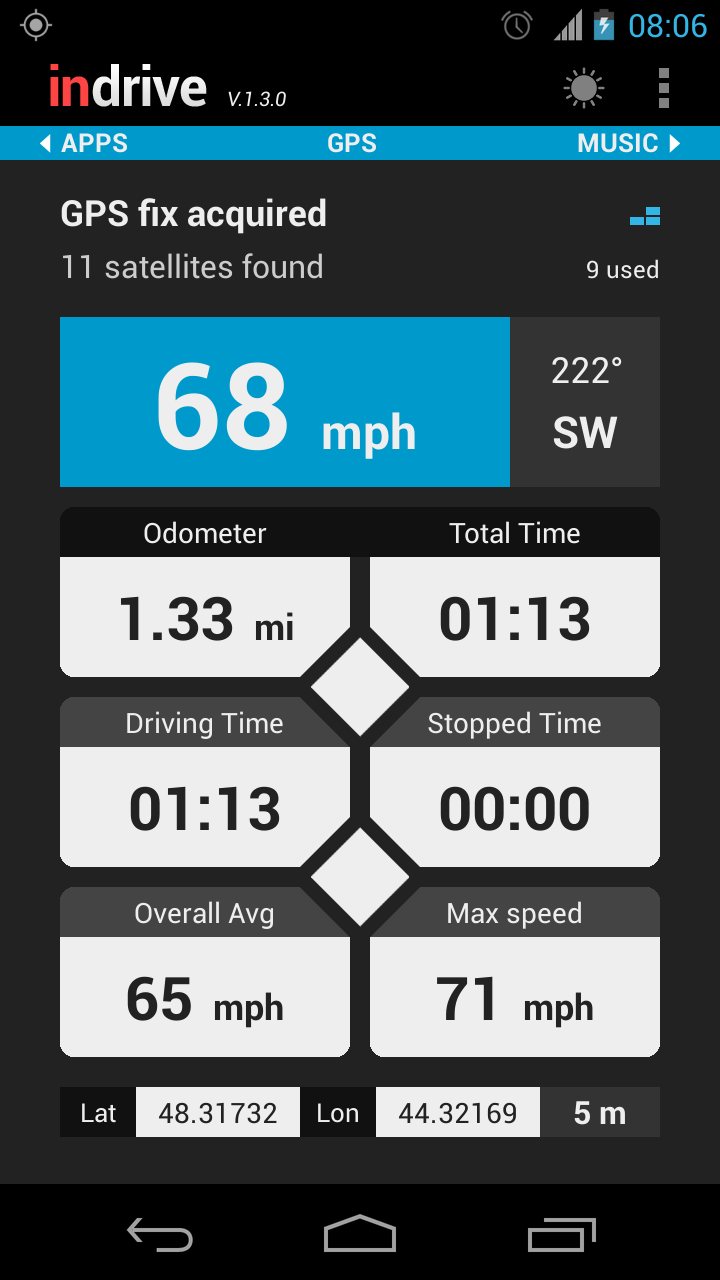
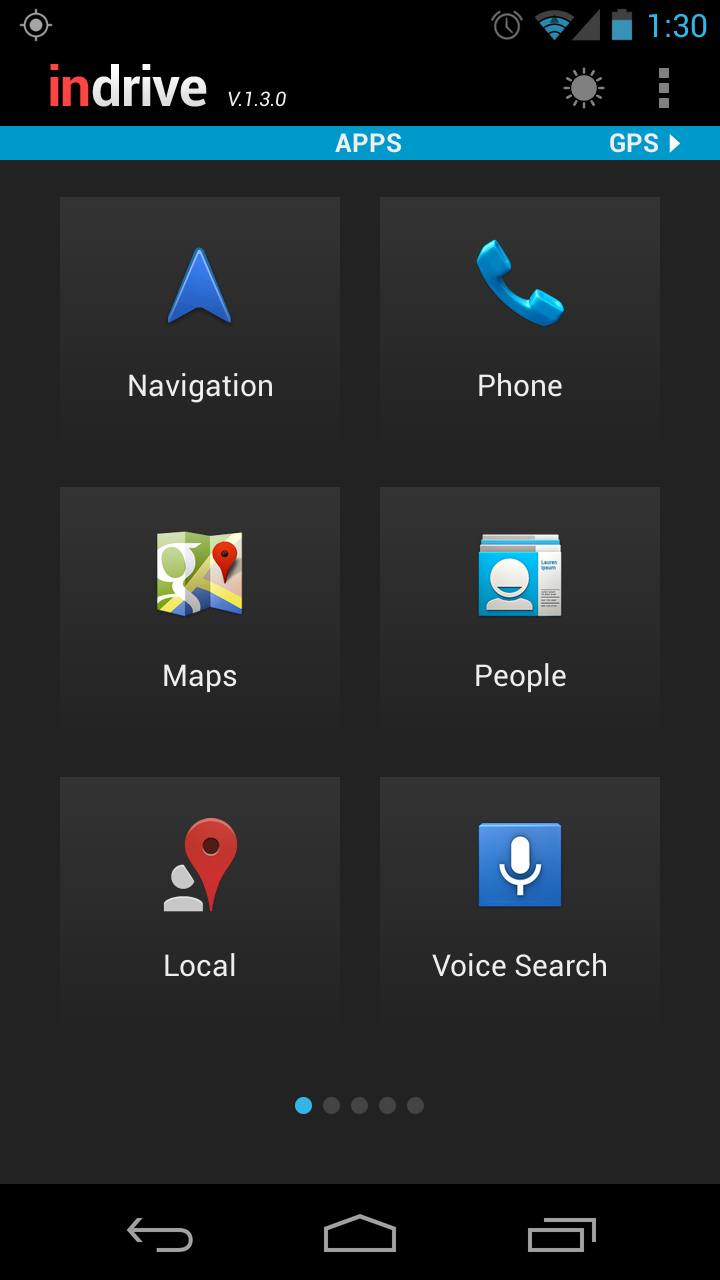
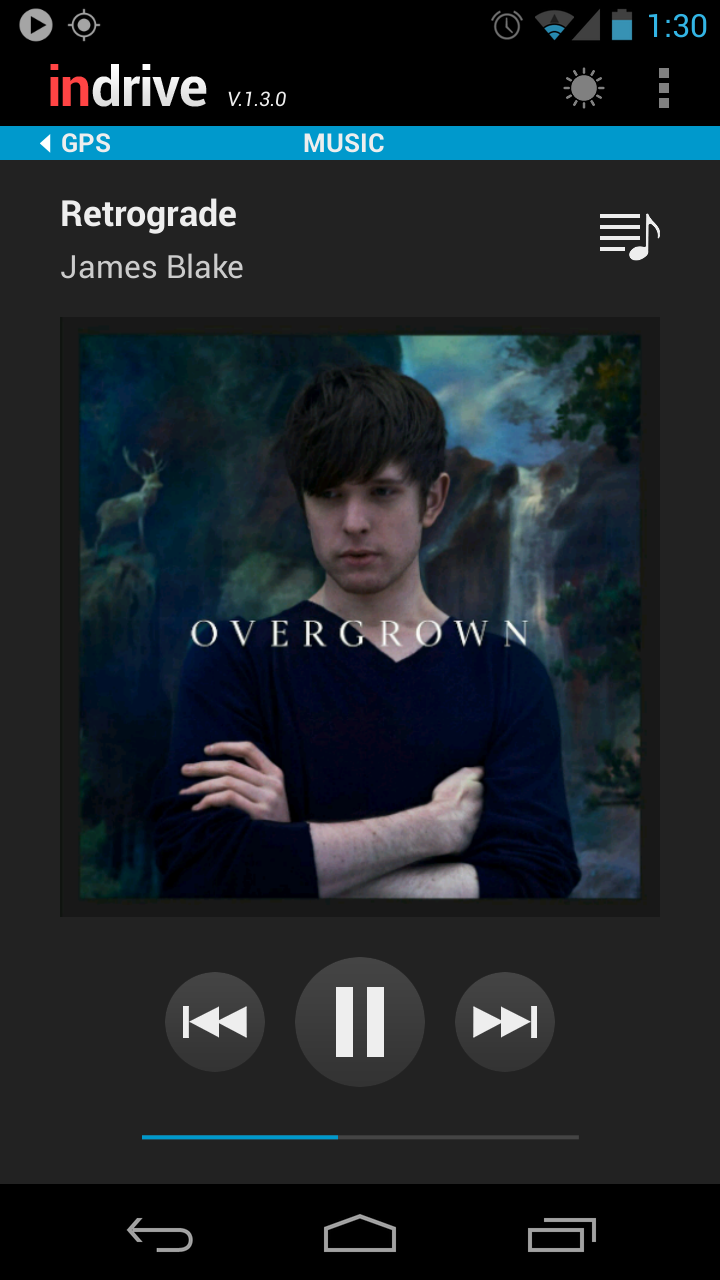
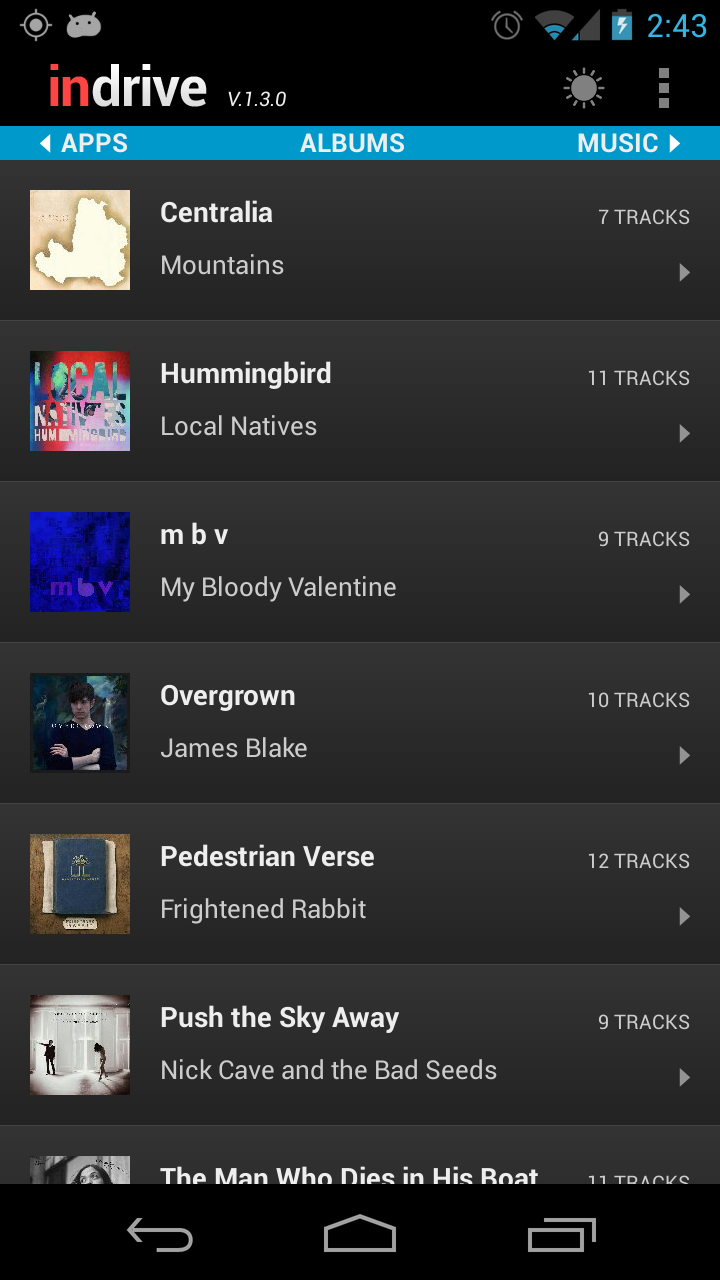
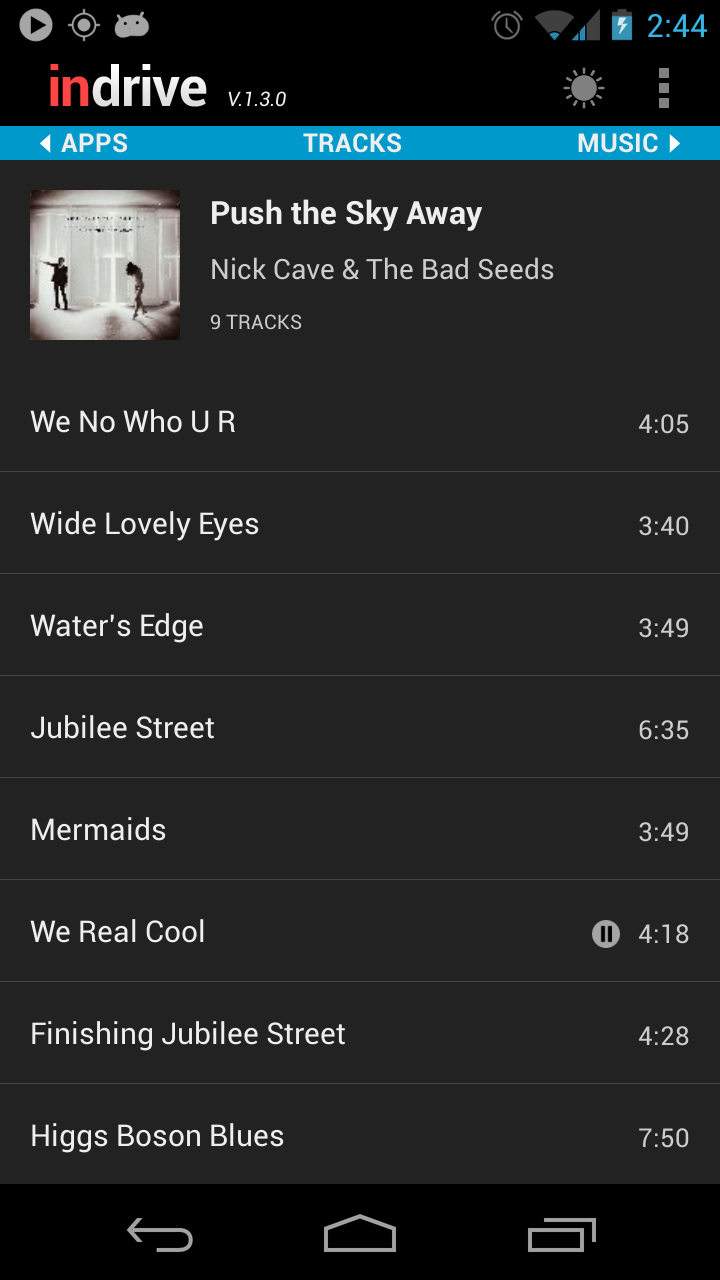
InDrive is a unique application that combines car mode functionality with an advanced trip computer and deep Poweramp integration. With one-touch access to the most useful features on your phone, this app is your perfect driving companion! InDrive makes it very easy to launch your favorite applications, directly dial numbers, view your trip information and control music playback*. It will auto launch when placed in a compatible car dock. If you don't have a physical car dock, InDrive provides an option to force your phone into car mode, which will allow the app to override the Home button. Please note that for this feature to work properly on Android 2.x and higher, you have to set InDrive as the default car dock app. To do this, simply check the "Enable car mode" option in the settings and follow the instructions. This only needs to be done once. NOTE FOR ANDROID 4.2.x USERS: Unfortunately, it appears that Google has removed dock home support in Android 4.2. Pressing the Home button will now return you to the launcher screen instead of InDrive or other car home app of choice. If you want this feature back, please vote for the following issue: http://code.google.com/p/android/issues/detail?id=39662 * The music screen is designed to work in conjunction with Poweramp. Without Poweramp installed, you will only be able to do very basic controls such as switching to the next song in the default Android music player. Support for other media players is not guaranteed. Trip computer features: * Street address * Speedometer (mph, km/h or knots) * Heading * Battery level * Weather (Fahrenheit or Celsius) * Odometer * Time traveled (total / driving / stopped) * Average speed (total / driving) * Max speed * Elevation * Time of day Startup options: • Enable car mode (Force the phone into car mode like it had been placed in the car dock) • Check GPS status (Open the location settings screen if GPS is disabled) • Turn on Bluetooth • Disable Wi-Fi • Set media volume (Does not affect the ringtone volume) • Set screen brightness (Will override the automatic brightness setting if necessary) Other settings: • Keep screen on (Prevent the screen from locking while the app is running) • Disable auto rotation (Turn this option on when driving on bumpy roads) • Turn on speakerphone • Mute notification sounds • Vibrate on press • Minimum accuracy • Filter the GPS speed • Run in the background • Enable track logging • Exit on undock BATTERY USAGE: This app is very battery intensive when used with the default settings. When not connected to a power source, please uncheck the "Keep screen on" option in the app settings. NOTE ON PERMISSIONS: InDrive requires access to several system features, such as GPS, Bluetooth, Wi-Fi, audio settings, and also to the SD card in order to write temporary log files and map images (these will be deleted on uninstall). It also requires a permission to directly call phone numbers for the shortcuts screen to work properly. If you have any questions or comments, feel free to post them on our blog or open a support ticket here: http://support.codesector.com/
InDrive 1.4.0 Update
v.1.4.0 - Sep 21, 2015 • Removed trial period • Fixed: Issues with Poweramp API
• Support for bigger screens (1920x1080) • Fixed: Force close when using direct dial • Fixed: Music playlists causing app to crash
v.1.3.0 - Apr 5, 2013
• Swipe up/down to scroll through shortcuts • New display modes: Day, Night and Auto • Auto switch between modes at sunrise/sunset • Quickly change songs by swiping up/down • Improved track recording • Added option to clear the log file • GPX files now contain track segments • Fixed: Pandora shortcut does not work
APKFab.com und der Download-Link dieser App sind 100% sicher. Alle auf APKFab.com aufgelisteten Download-Links für Apps stammen aus Google Play Store oder werden von Benutzern eingereicht. Bei der App aus Google Play Store wird sie von APKFab.com in keiner Weise geändert. Bei der von Benutzern eingereichten App überprüft APKFab.com die Sicherheit der APK-Signatur, bevor sie auf unserer Webseite veröffentlicht wird.