Generic Toggle Widget (Paketname: com.mk.zombie) wird von Miskam entwickelt und die neueste Version von Generic Toggle Widget 1.4.6 wurde am 31. August 2015 aktualisiert. Generic Toggle Widget liegt in der Kategorie von Tools. Sie können alle Apps von dem Entwickler der Generic Toggle Widget durchsuchen. Derzeit ist diese APP kostenlos. Diese App kann auf Android 2.3.4+ auf APKFab oder Google Play heruntergeladen werden. Alle APK/XAPK Dateien auf APKFab.com sind original und 100% sicher, schnell herunterzuladen.
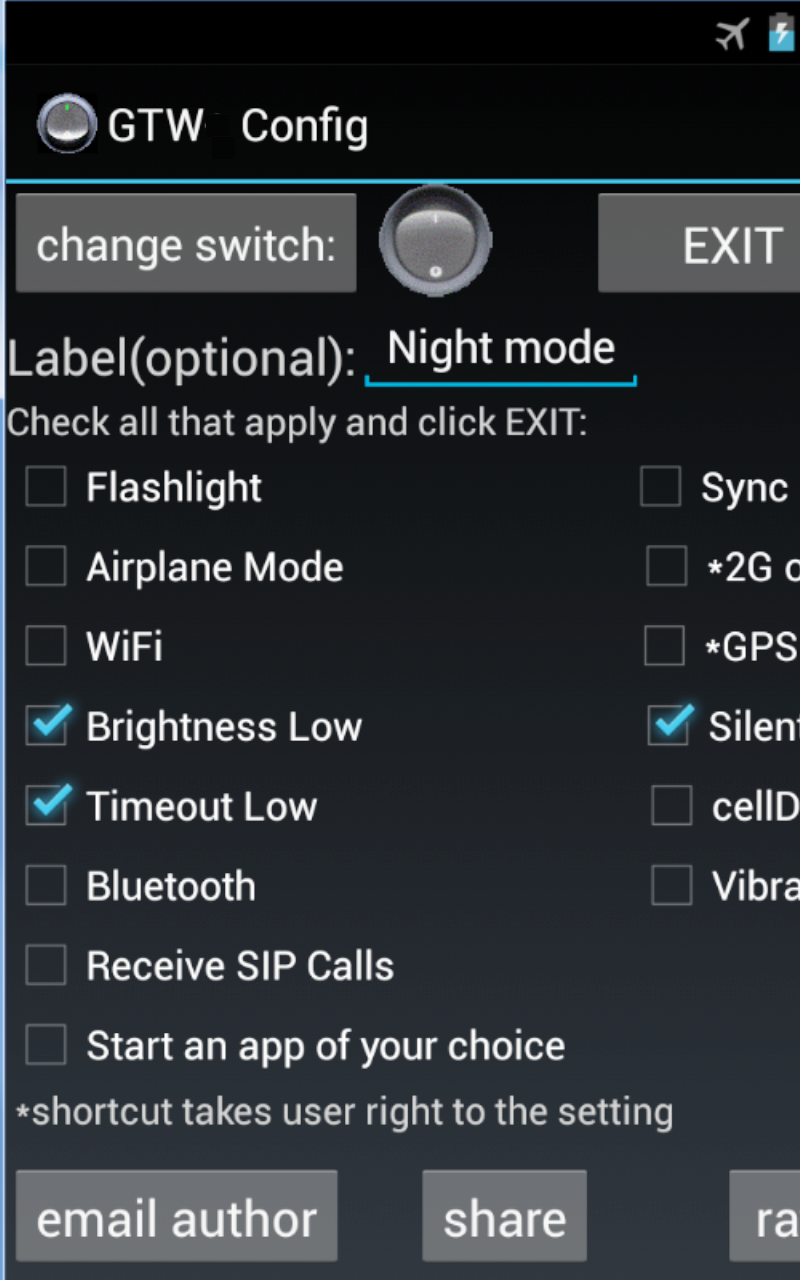
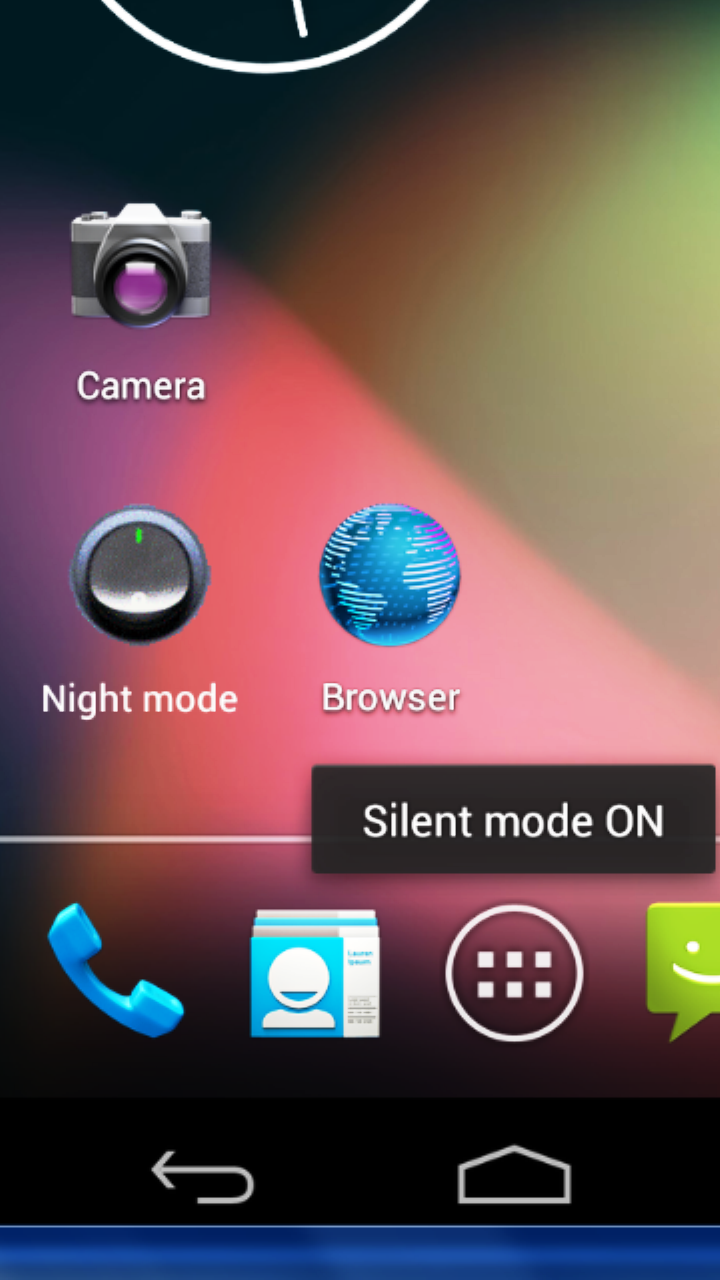
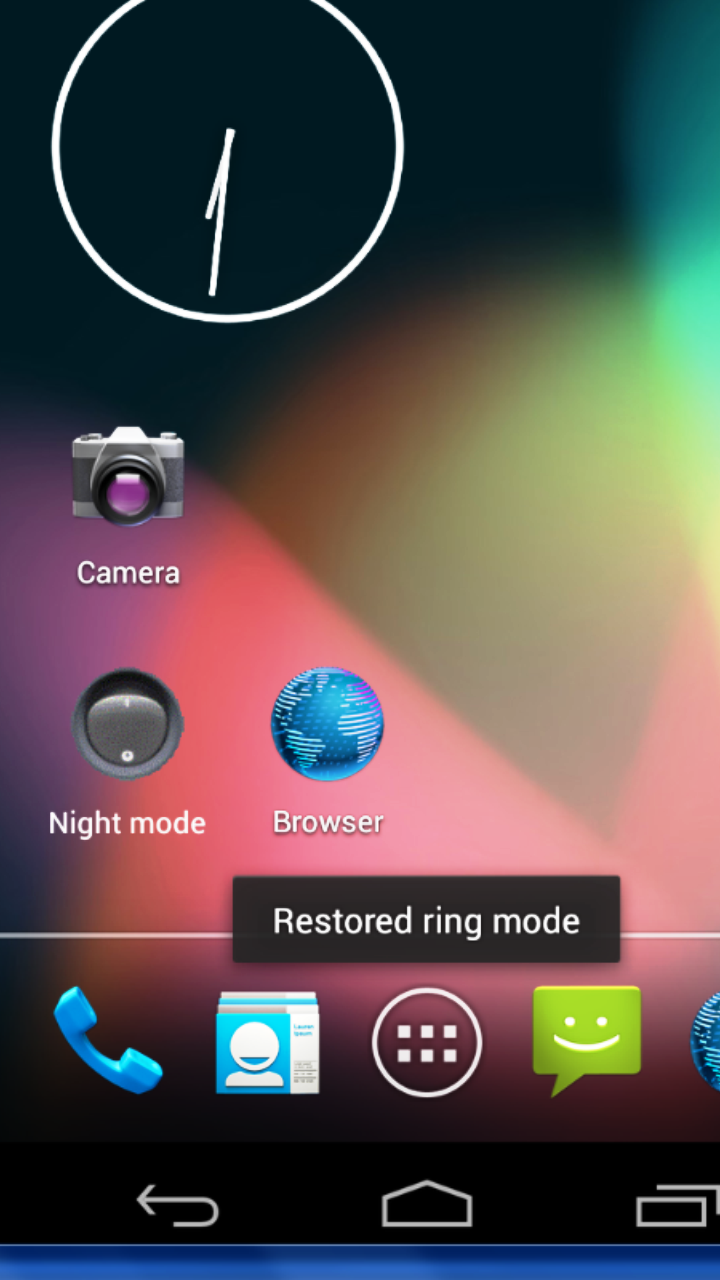
Toggle almost anything. Widget has to be manually added to home screen or lock screen after installation. Don't look for it under APPS, look under WIDGETS. If something doesn't make sense or does not work and you would like it fixed, please email me and I will respond. Configurable widget on your home screen saves space and many clicks. Multiple settings can be toggled at the same time in a single profile. Possible profiles include night mode, meeting, travel, flashlight, car, battery saver and more. For example, Airplane Mode and WiFi can be turned on together with a single click (good for places with bad reception where there is WiFi). SADLY IN ANDROID 4.2+(JELLY_BEAN_MR1) AIRPLANE MODE IS NO LONGER DIRECTLY AVAILABLE (the app will take the user to the airplane setting in ANDROID 4.2+). Also, in Android 5.0+ (Lollipop), mobile data toggle (cellData) is no longer directly accessible (sorry, this is by Google's design), so the app will take the user to the cellular data setting in ANDROID 5.0+. This free ad-supported widget supports single profile only. Paid version without ads is available here https://play.google.com/store/apps/details?id=com.mk.generictogglewidgetpaid All feedback/requests are welcome. NOTES: 1) Widget does not do anything unless user taps it. This app does not monitor the state of the device, so it is possible to get into situation where the widget is showing the wrong state. For example, the user configured the widget as a simple Bluetooth on/off switch. Tap on the widget and the switch is now in ON position and Bluetooth is now enabled. Then, if the user manually goes into settings and disables Bluetooth (or some other app disables Bluetooth), widget will remain in the ON position. THIS IS BY DESIGN. 2) This version only supports single profile, but more than one widget can be added to the home screen(s)/lock screen(s) and all copies of the same widget will toggle together with one click no matter which copy is clicked. As such the user can avoid the hassle of scrolling between home screens/unlocking the phone/remembering where the switch is located. Two different profiles at the same time are possible by installing both paid and free versions. If you need multiple profiles without any ads on your device, please get the paid version and contact the developer. 3) Flashlight works on most devices. Handy in Android 4.2-4.4 right from lock screen. REFERENCES: - Thanks to http://psd.tutsplus.com/tutorials/interface-tutorials/round-switch-button/ for a great Photoshop tutorial on the main image used in this app, which was slightly modified.
Generic Toggle Widget 1.4.6 Update
v1.4.6 - In Android 5.0 and up, mobile data toggle (cellData) is no longer directly callable, so the shortcut will take the user to cellular data settings in Android 5.0 and up v1.4.5 - added Battery Saver mode shortcut (this option requires Android 5.1.1 and up). v1.4.2 - GTW Settings "recordings" button uses Chrome as File Manager to take you to your local GTW_Records/ dir, where all voice and call recordings are stored (any other file manager can be used instead)
v1.4.6 - In Android 5.0 and up, mobile data toggle (cellData) is no longer directly callable, so the shortcut will take the user to cellular data settings in Android 5.0 and up v1.4.5 - added Battery Saver mode shortcut (this option requires Android 5.1.1 and up). v1.4.2 - GTW Settings "recordings" button uses Chrome as File Manager to take you to your local GTW_Records/ dir, where all voice and call recordings are stored (any other file manager can be used instead)
APKFab.com und der Download-Link dieser App sind 100% sicher. Alle auf APKFab.com aufgelisteten Download-Links für Apps stammen aus Google Play Store oder werden von Benutzern eingereicht. Bei der App aus Google Play Store wird sie von APKFab.com in keiner Weise geändert. Bei der von Benutzern eingereichten App überprüft APKFab.com die Sicherheit der APK-Signatur, bevor sie auf unserer Webseite veröffentlicht wird.