Custom Skin In Capes for MCPE

6.1 20

v1.0.0 von riffastdio

Custom Skin In Capes for MCPE APK Herunterladen Custom Skin In Capes for MCPE APK Herunterladen

Über Custom Skin In Capes for MCPE

Custom Skin In Capes for MCPE (Paketname: com.riffastdio.customskinincapesformcpe) wird von riffastdio entwickelt und die neueste Version von Custom Skin In Capes for MCPE 1.0.0 wurde am 22. Februar 2018 aktualisiert. Custom Skin In Capes for MCPE liegt in der Kategorie von Bücher & Nachschlagewerke. Sie können alle Apps von dem Entwickler der Custom Skin In Capes for MCPE durchsuchen. Derzeit ist diese APP kostenlos. Diese App kann auf Android 4.0.3+ auf APKFab oder Google Play heruntergeladen werden. Alle APK/XAPK Dateien auf APKFab.com sind original und 100% sicher, schnell herunterzuladen.
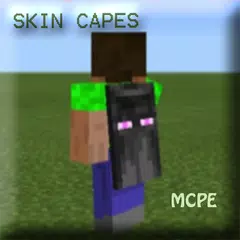
Moj-ang recently released a new skin pack for MINECON 2016 which includes four awesome capes. All users of MCPE (on all platforms) have until the 3rd October to obtain this skin pack for free.
If you want to be able to use your own custom skin with a cape you can’t really do that any other way than to download and use this texture pack. Make sure to read through the tutorial down below as you’ll have to do some customizations yourself!
How does it work?
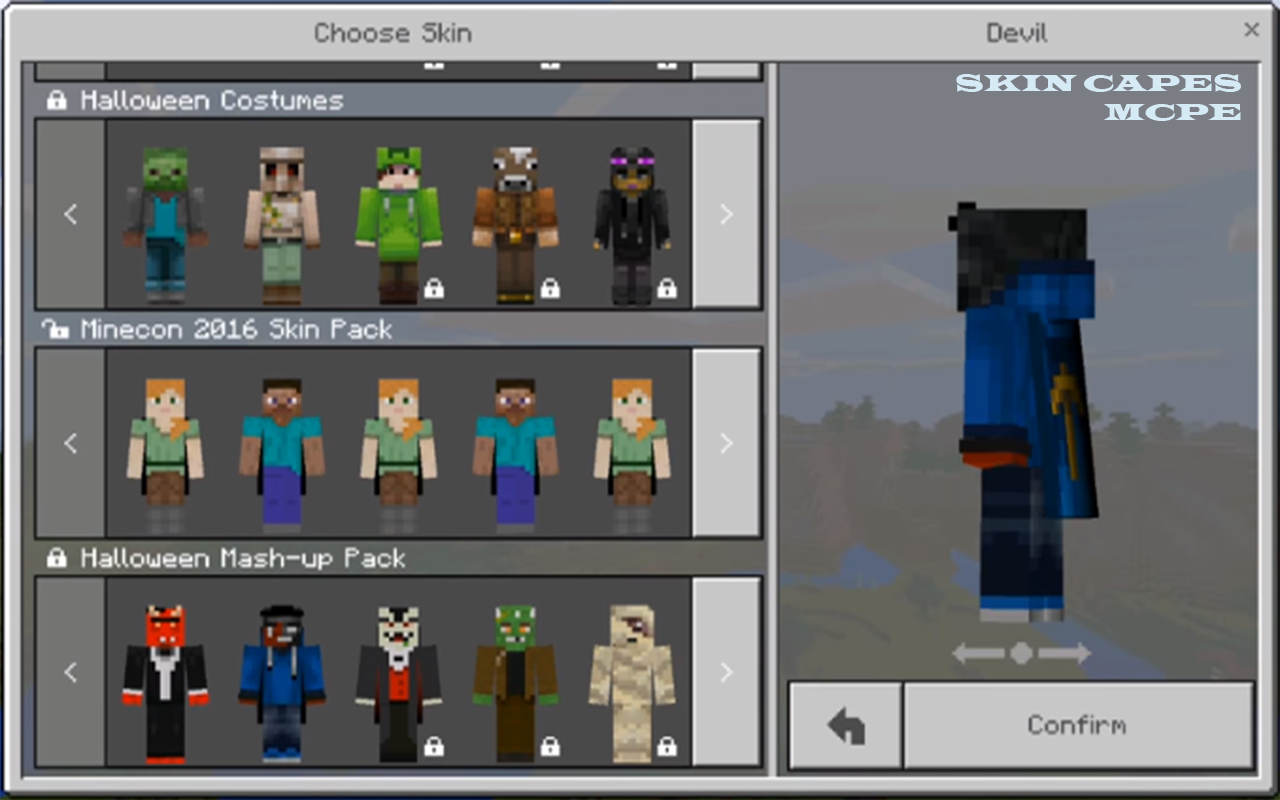
1. To obtain the MINECON 2016 skin pack for free you have until the 3rd October, so hurry up! Open MCPE and go to the store to go through with the purchase (which is 100% for free). You can now access the new capes by changing your skin.
If you don’t want to be using the Alex or Steve skins (you know, those default ones) to wear a cape then you will have to use this texture pack. Make sure to read through this tutorial to learn how to install your custom skin with a cape.
2. Install the downloaded texture pack. Here are some install guides you can use for that.
Android
Windows 10
iOS
3. You will need some type of file manager in order to replace one of the included files in the texture pack. Here are some which I recommend:
Android: ES File Explorer
Windows 10: 7-Zip
iOS: iExplorer (I have personally never used iExplorer as I am an Android user but I have heard it’s good)
4. Find your custom skin png file. If you don’t have a custom skin yet then go ahead and download one from here: http://mcpedl.com/skins/
5. Use the file manager (ES File Explorer, 7-Zip or iExplorer) to locate the steve.png file: /games/com.moj-ang/resource_packs/Custom Skin for Capes/images/mob/
6. Replace steve.png with your custom skin. For example, you can remove the steve.png file, add your custom skin here and then rename it to steve.png.
7. Open MCPE and press the hanger button under your player character to select a new skin.
8. To really make sure it works open a world! And as you can see, I’m using my MINECON 2016 cape with a custom skin!
Attention : This is an unofficial application for MCPE.
This application is not affiliated in any way with Moj-ang AB.
The MCPE Name, the MCPE Brand and the MCPE Assets are all property of Moj-ang AB or their respectful owner.
All rights reserved. In accordance with http://account.mojang.com/documents/brand_guidelines
Mehr lesen
Custom Skin In Capes for MCPE Besonderheiten
Frühere Versionen Mehr
Custom Skin In Capes for MCPE
Custom Skin In Capes for MCPE 1.0.0 APK
17. März 2018 4.9 MB

Requires Android: Android 4.0.3+

Screen DPI: nodpi

SHA1: 3bc4c9a54c8b234148eb9e56c50f417fe85b1c77

Size: 4.9 MB

Mehr Information

Aktualisierungsdatum:

Letzte Version:

1.0.0

Anforderungen:

Android 4.0.3+