Classic Keyboard (Paketname: com.appstech.classic) wird von Apps Technologies entwickelt und die neueste Version von Klassische große Tastatur 10.3 wurde am 6. Oktober 2026 aktualisiert. Klassische große Tastatur liegt in der Kategorie von Tools. Sie können alle Apps von dem Entwickler der Klassische große Tastatur durchsuchen und 154 alternative Apps zu Klassische große Tastatur auf Android finden. Derzeit ist diese APP kostenlos. Diese App kann auf Android 10.0+ auf APKFab oder Google Play heruntergeladen werden. Alle APK/XAPK Dateien auf APKFab.com sind original und 100% sicher, schnell herunterzuladen.
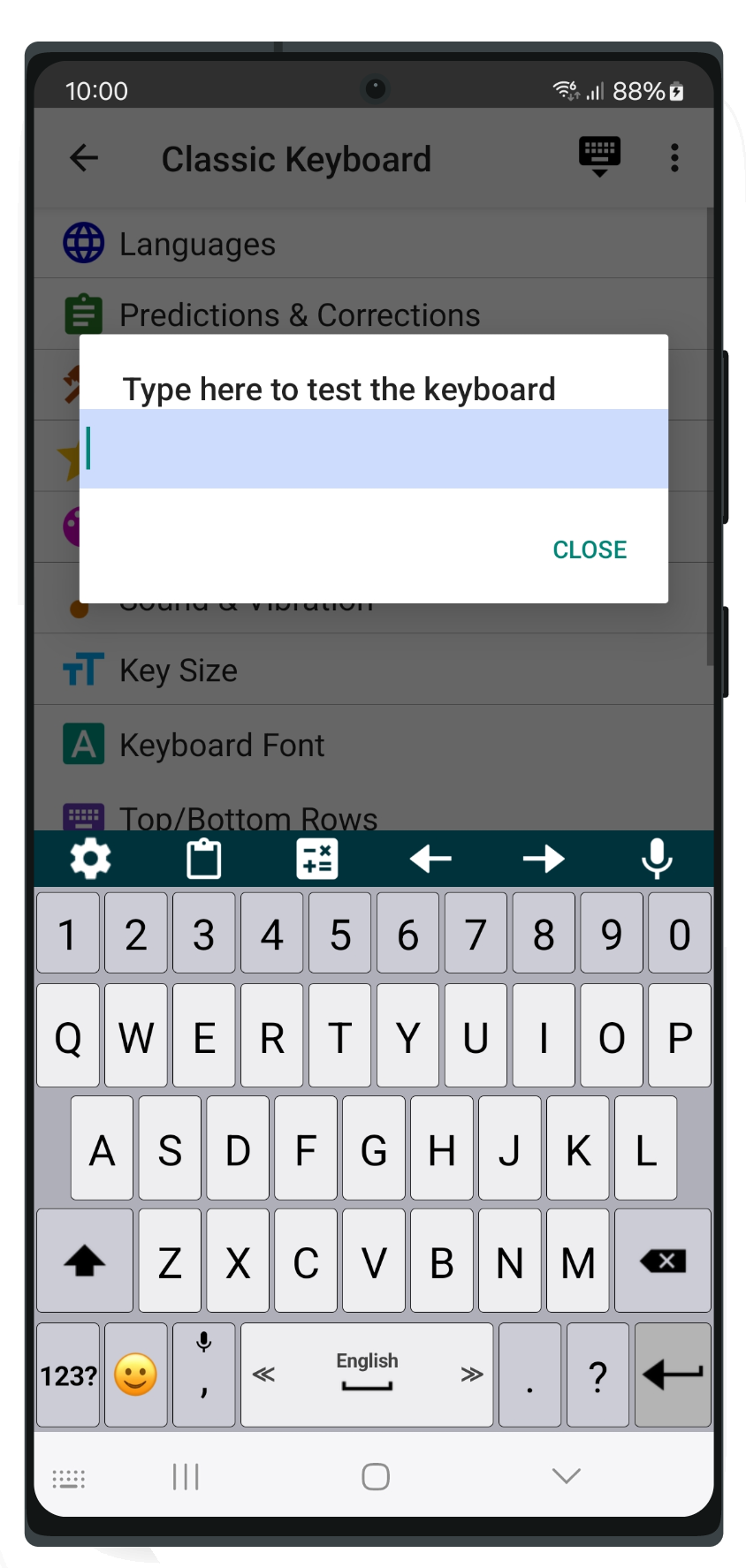
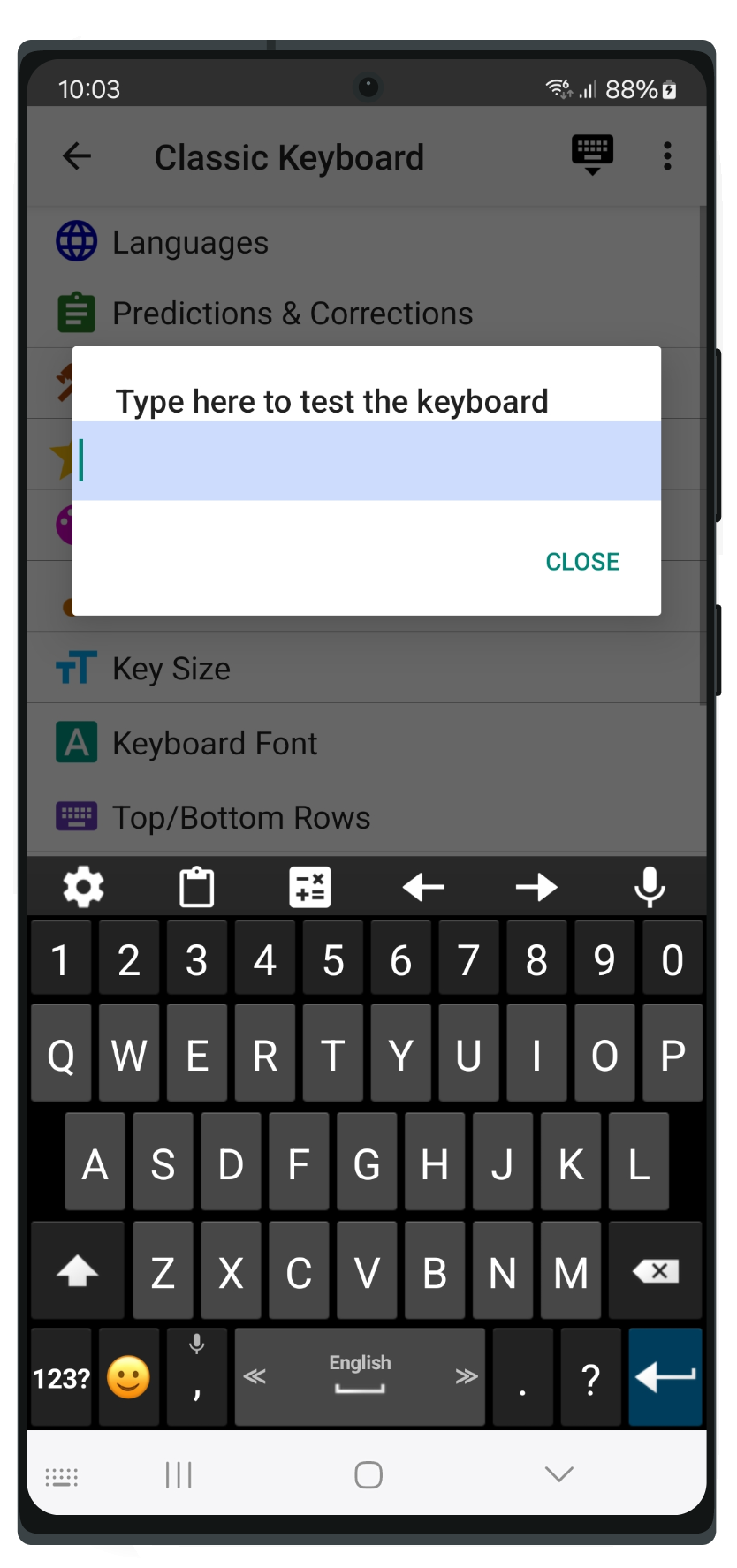
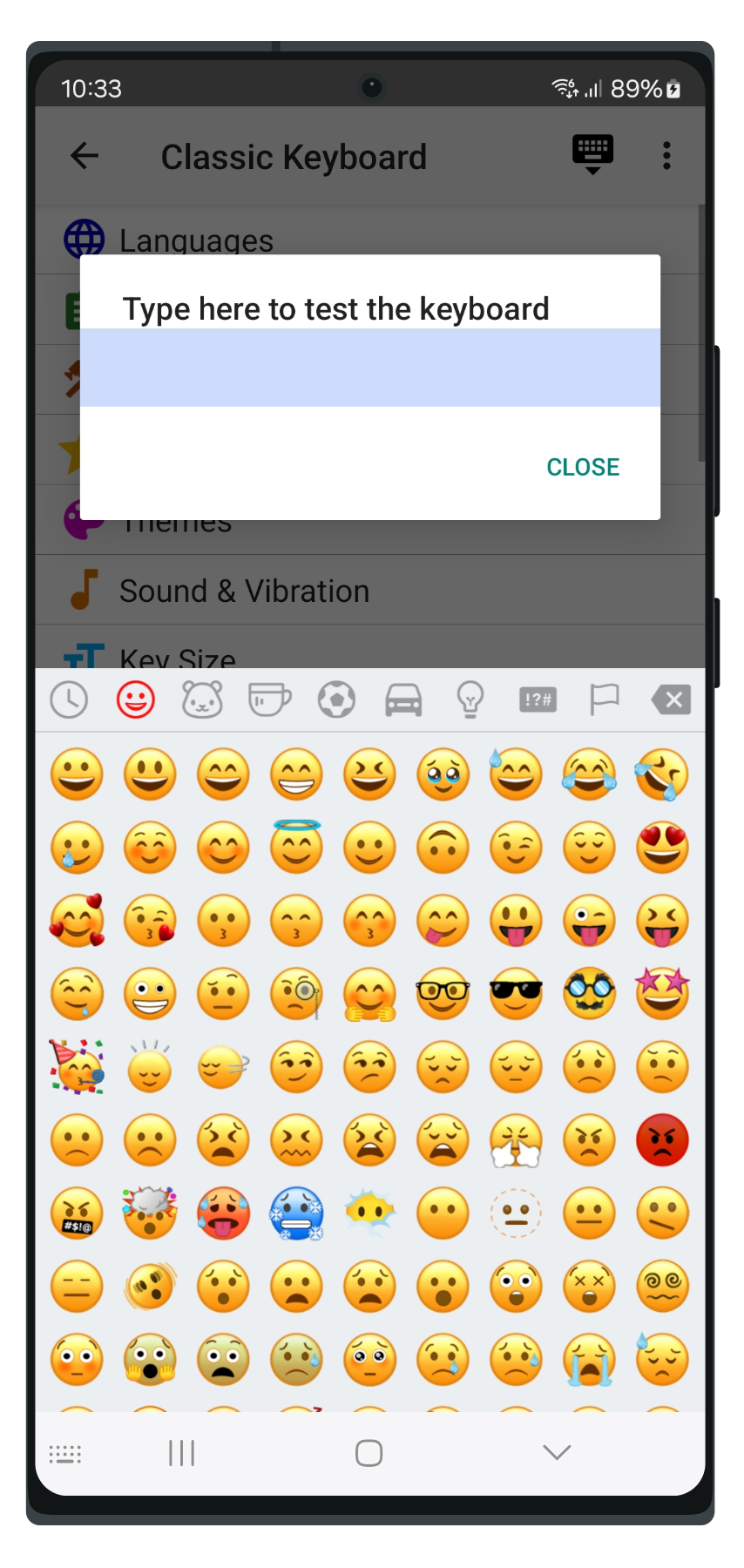
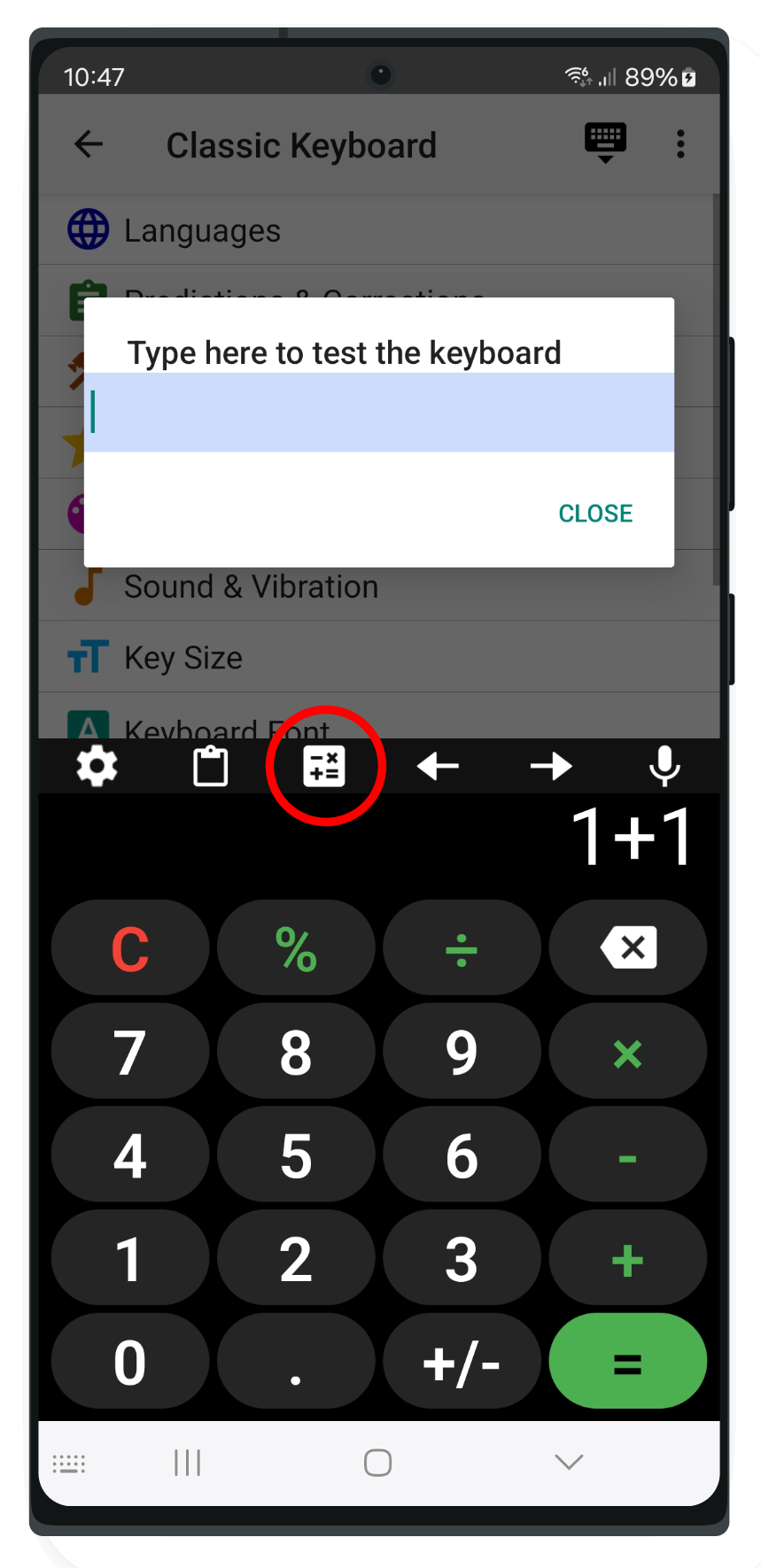
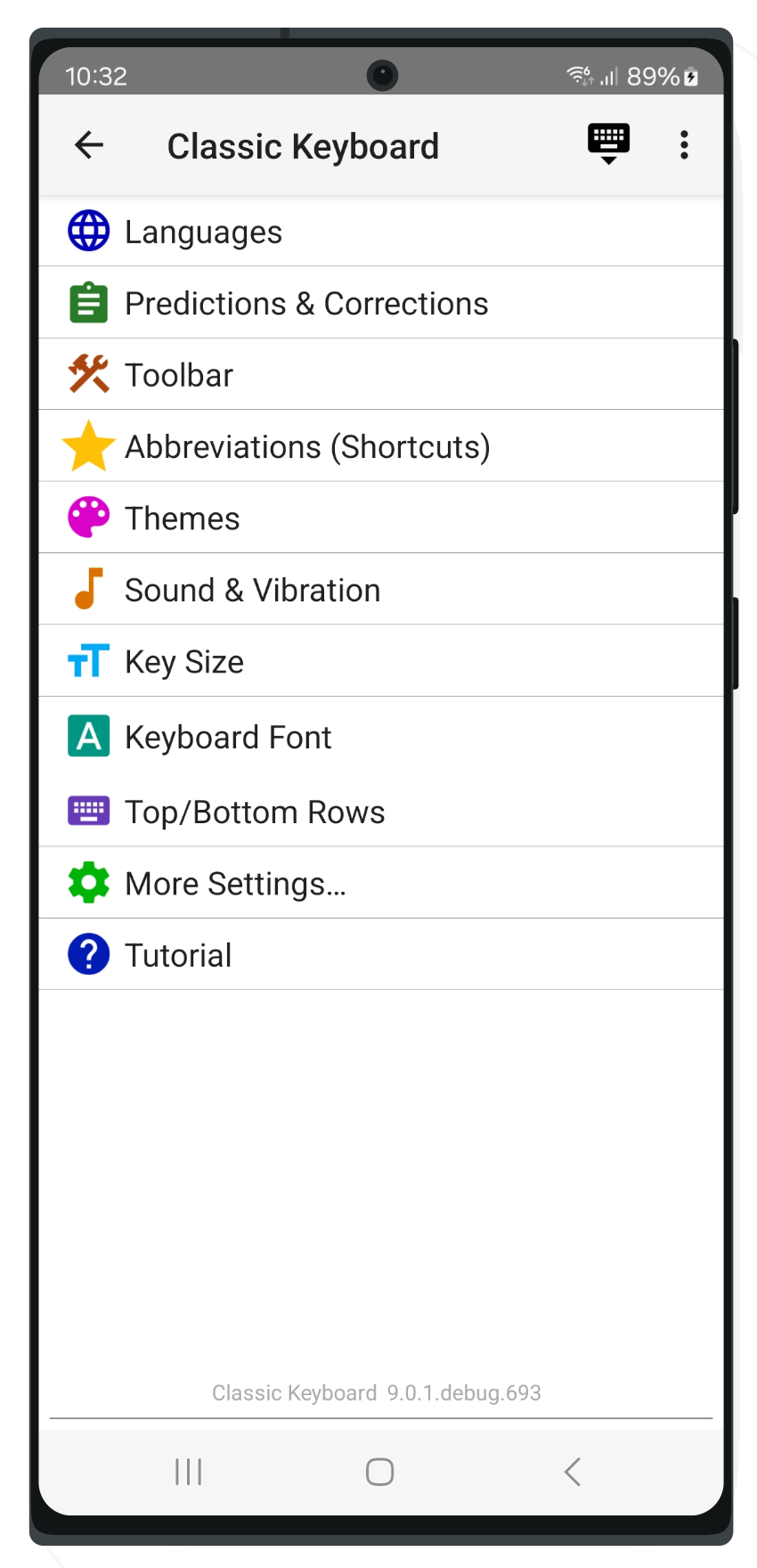
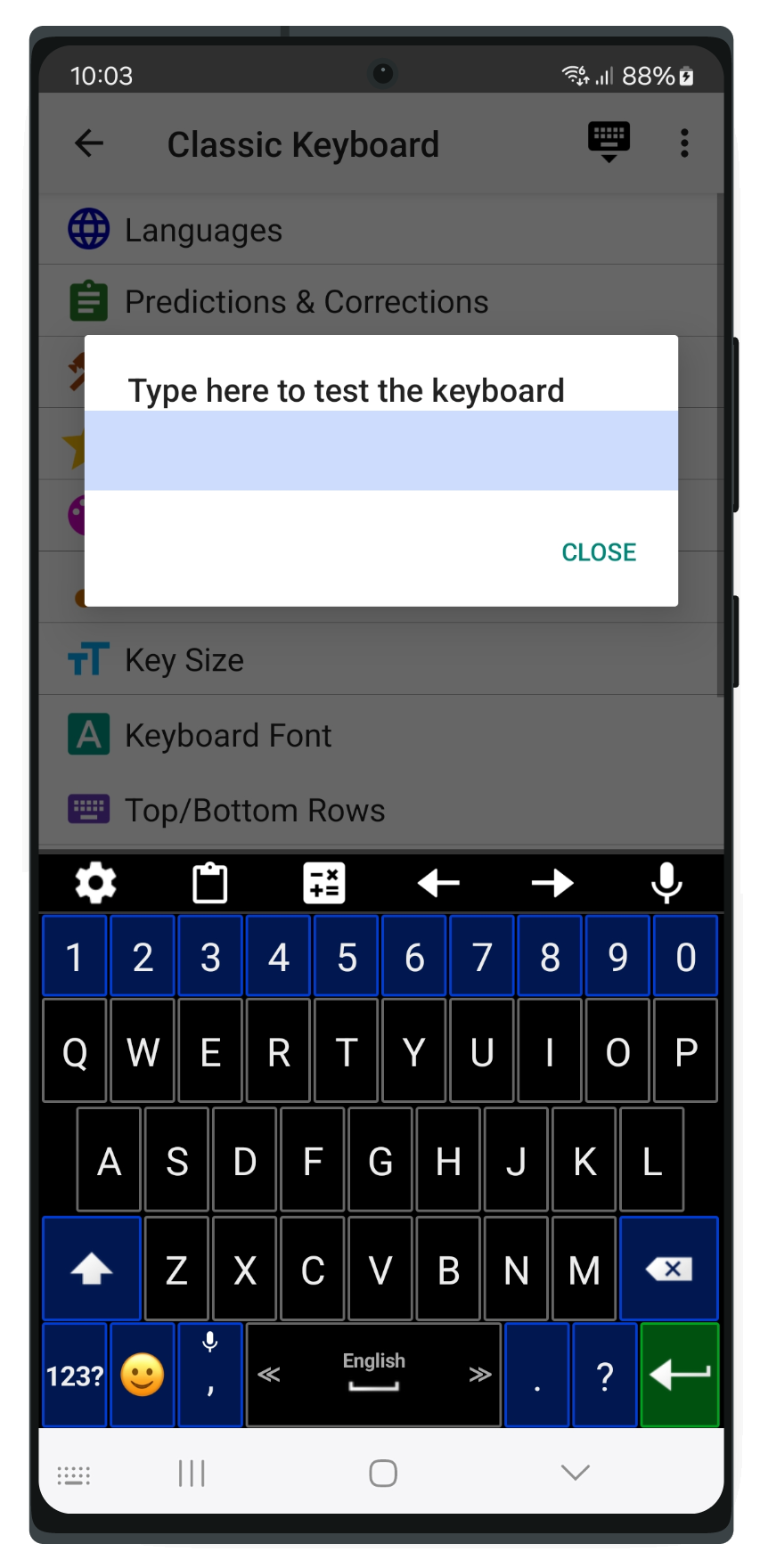
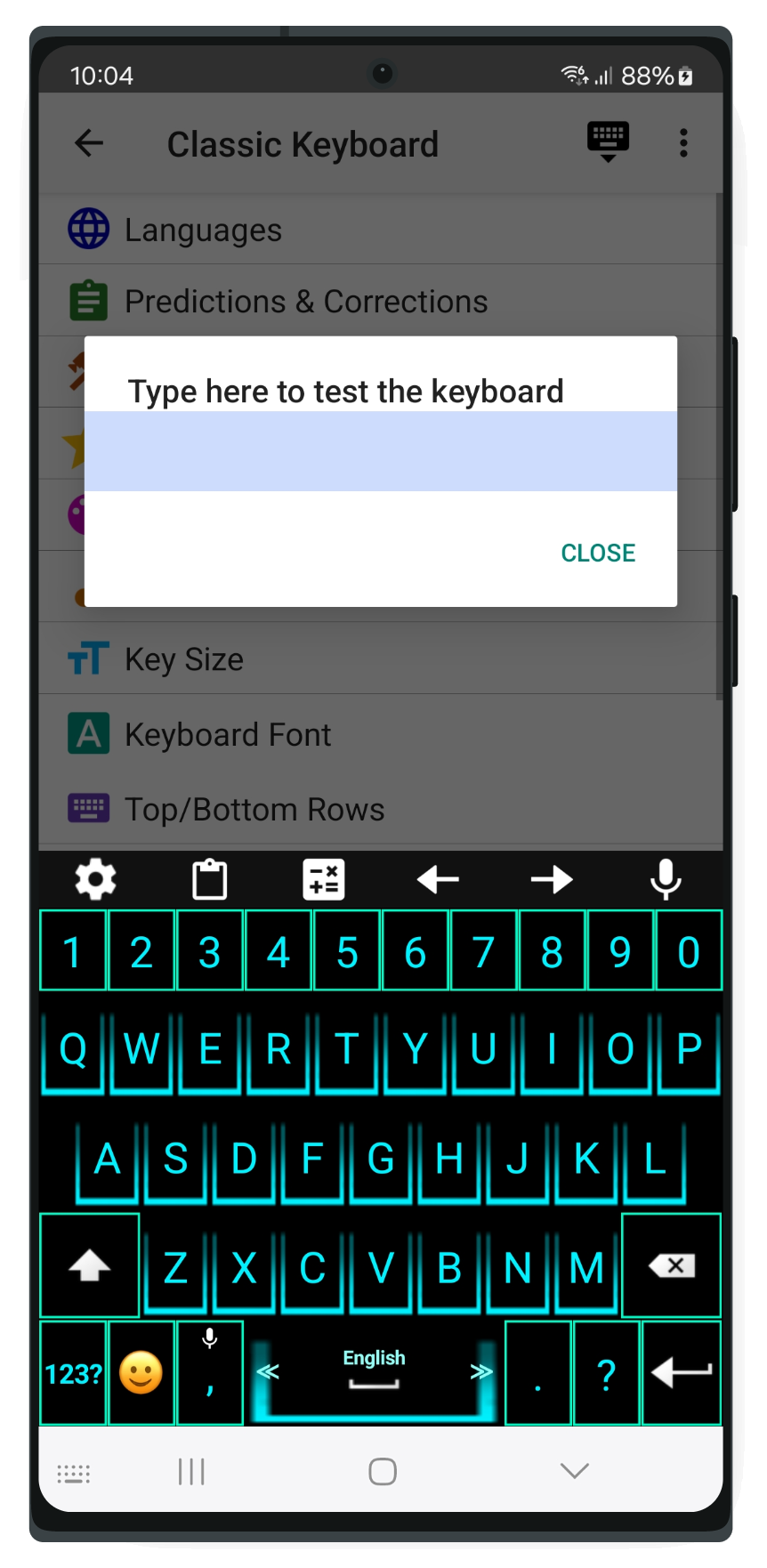
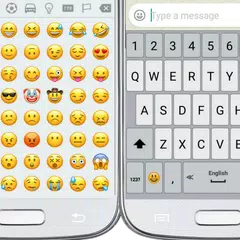
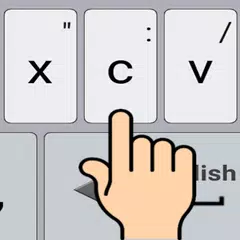
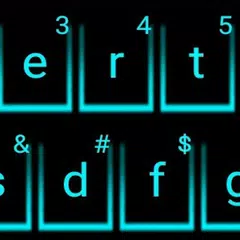
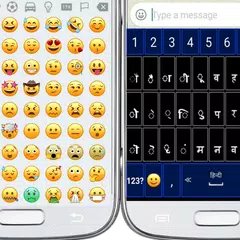
• Passen Sie die Größe der Tasten und deren Schriftart an. • Ändern Sie das Tippgeräusch und die Vibration. • Passen Sie Wörterbücher, Vorhersagen, Autokorrekturen an, definieren Sie Verknüpfungen zu Ihren eigenen Sätzen und mehr. • Passen Sie Ihre Eingabeeinstellungen an. • Passen Sie das Aussehen der Tastatur und der darauf angezeigten Informationen an. • Wählen Sie Ihr Lieblingsthema aus vielen Themen aus, die für die klassische Tastatur einzigartig sind. • Wählen Sie Ihre bevorzugten oberen und unteren Reihen der Tastatur aus. • "Wischen tippen", indem Sie Ihre Finger zum Tippen über die Tasten ziehen. • Spracheingabe durch Übersetzen Ihrer Sprache in Text. • Definieren Sie Ihre bevorzugten "Gesten", um vordefinierte Aktionen durchzuführen, indem Sie mit den Fingern über die Tastatur streichen (zB die Leertaste nach oben streichen, um eine Popup-Hilfsprogrammtastatur zu öffnen). • Die neuesten Emojis sind in die Tastatur integriert und werden ständig aktualisiert. Tipps: • Wischen Sie die Leertaste von einer Seite zur anderen, um zwischen den Sprachen zu wechseln. • Drücken Sie lange auf die Eingabetaste, um die Tastatureinstellungen zu öffnen. • Langes Drücken oder Doppelklicken der Umschalttaste für "Capslock". • Drücken Sie lange auf die Emoji-Taste, um ein Text-Emojis-Popup zu öffnen. • Zeigen Sie die versteckten Symbole an, die durch langes Drücken der Tasten eingegeben werden (aktivieren Sie in Einstellungen → Themen → Versteckte Symbole anzeigen).
Classic Keyboard 10.3 Update
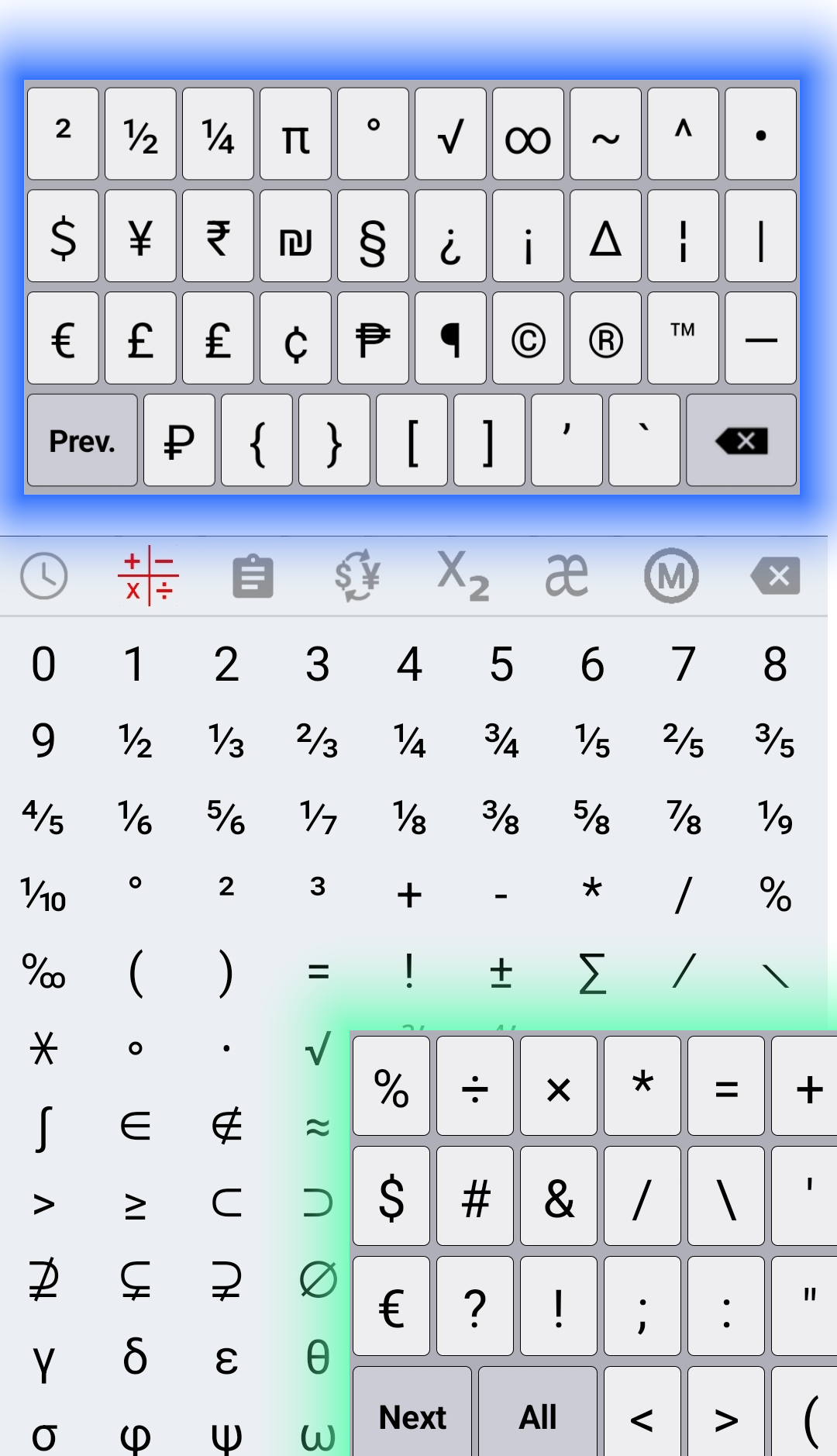
1. New themes and customization studio. 2. Simple handle for quick keyboard size and font adjustments. 3. Direct access to a full number pad from the symbols layout. 4. Individual per-language settings for secondary long-press key symbols. 5. General bug fixes and performance enhancements.
1 Row customization: build your own top and bottom keyboard rows with custom keys, actions, and popup characters. 2. Add many more symbols to the "All" symbols screen. 3. Fixes
1. Enhanced Auto-Correction: Improved accuracy for automatic text corrections. (Note: Please enable this feature in Settings). 2. Data Management: Added new Backup and Restore options, accessible via the three-dot menu on the Settings page. 3. Bug Fix: Resolved an issue where text suggestions remained active after being disabled. 4. Improve translations
APKFab.com und der Download-Link dieser App sind 100% sicher. Alle auf APKFab.com aufgelisteten Download-Links für Apps stammen aus Google Play Store oder werden von Benutzern eingereicht. Bei der App aus Google Play Store wird sie von APKFab.com in keiner Weise geändert. Bei der von Benutzern eingereichten App überprüft APKFab.com die Sicherheit der APK-Signatur, bevor sie auf unserer Webseite veröffentlicht wird.