AppLauncher for DashClock (Paketname: at.sapps.applauncherdashclockextension) wird von SApps entwickelt und die neueste Version von AppLauncher for DashClock 1.51 wurde am 16. September 2014 aktualisiert. AppLauncher for DashClock liegt in der Kategorie von Personalisierung. Sie können alle Apps von dem Entwickler der AppLauncher for DashClock durchsuchen. Derzeit ist diese APP kostenlos. Diese App kann auf Android 4.2+ auf APKFab oder Google Play heruntergeladen werden. Alle APK/XAPK Dateien auf APKFab.com sind original und 100% sicher, schnell herunterzuladen.
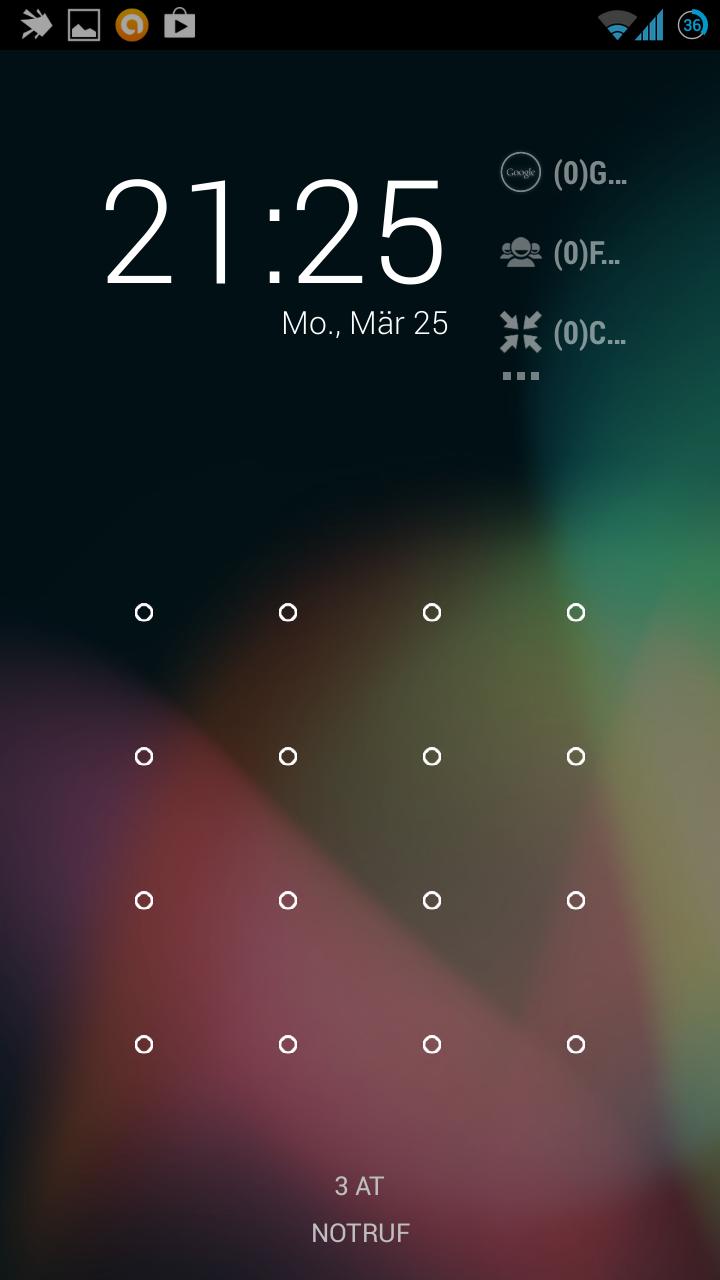
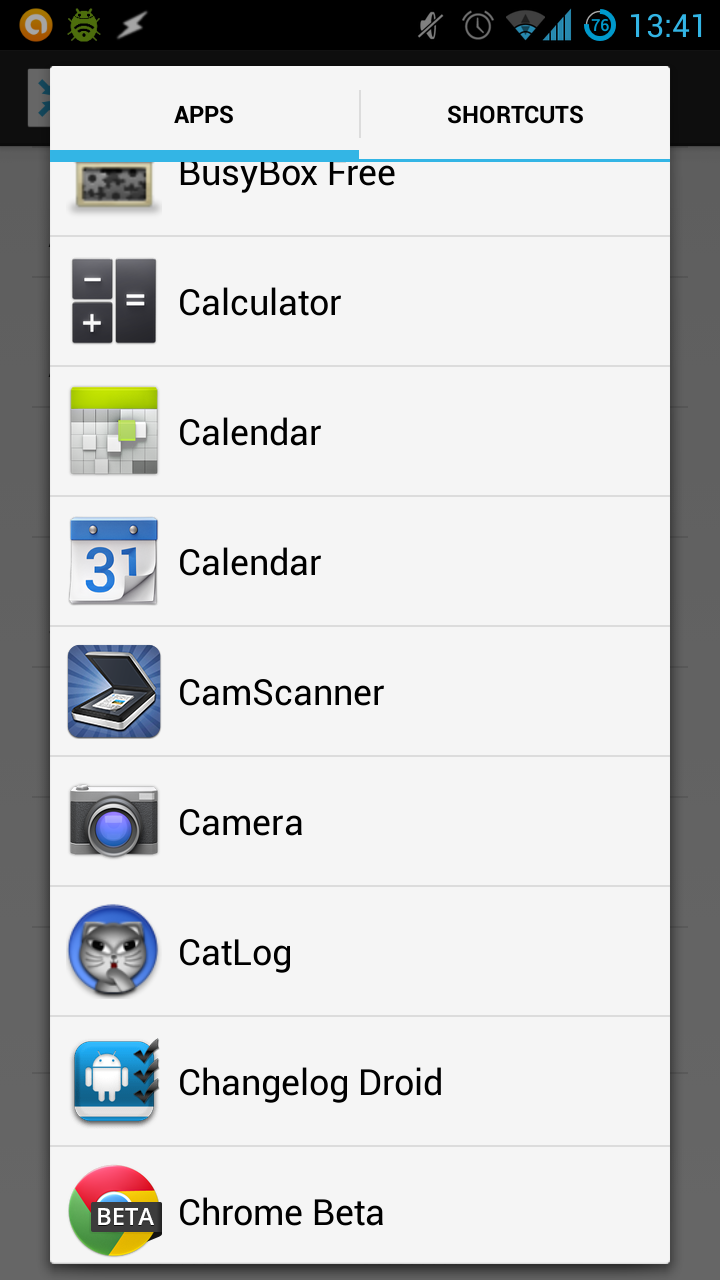
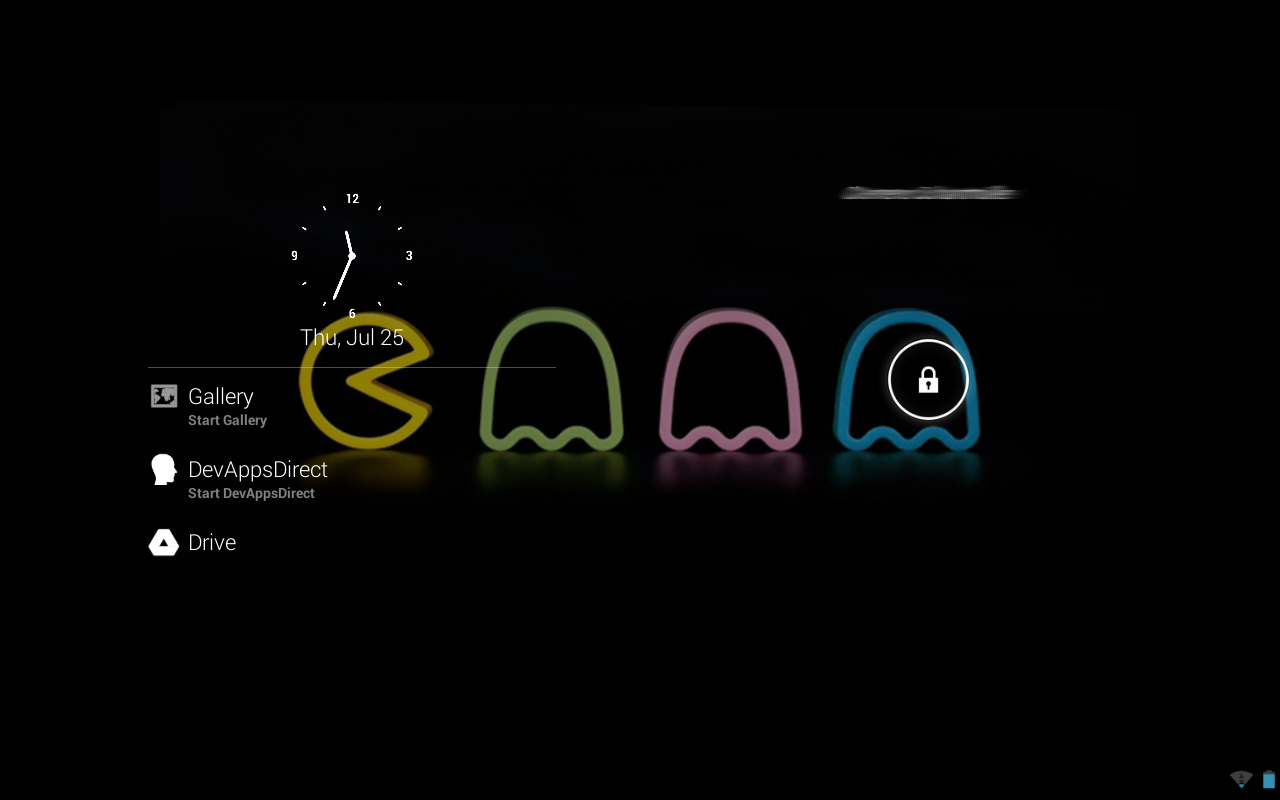
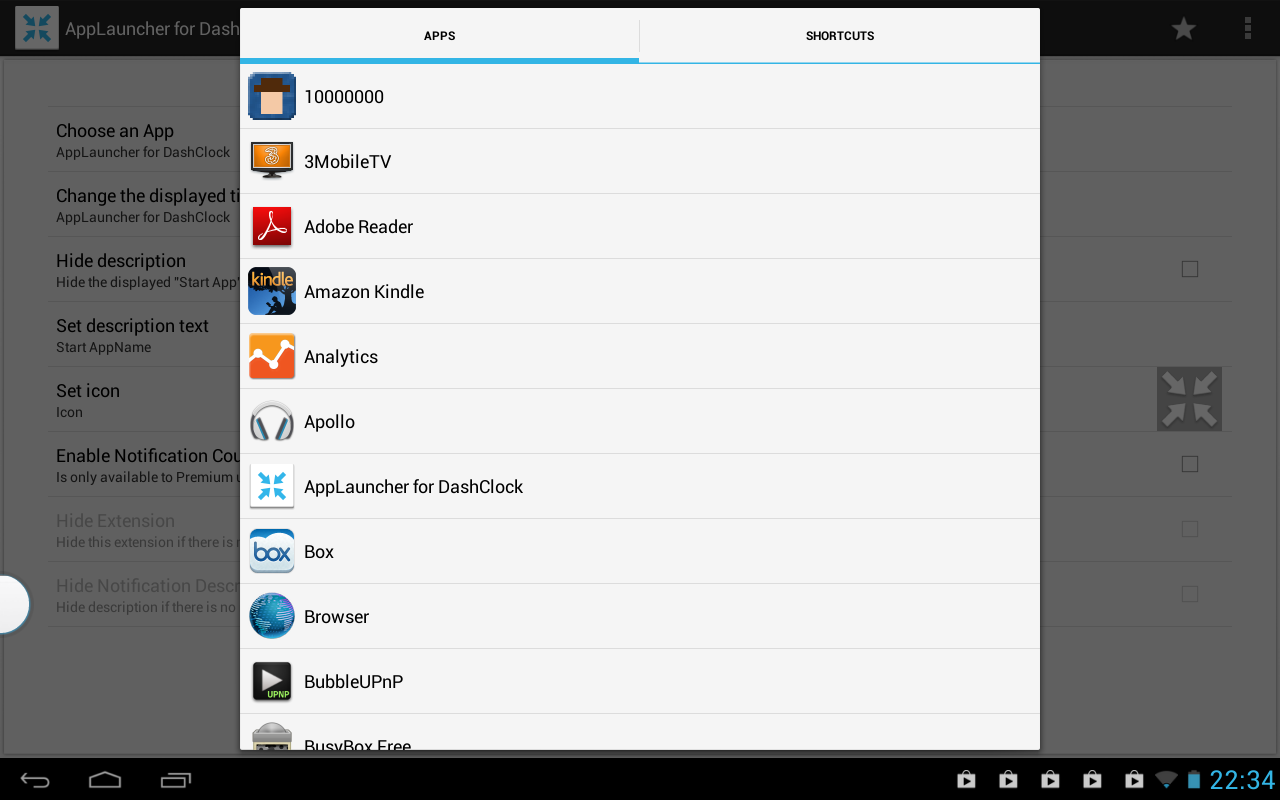
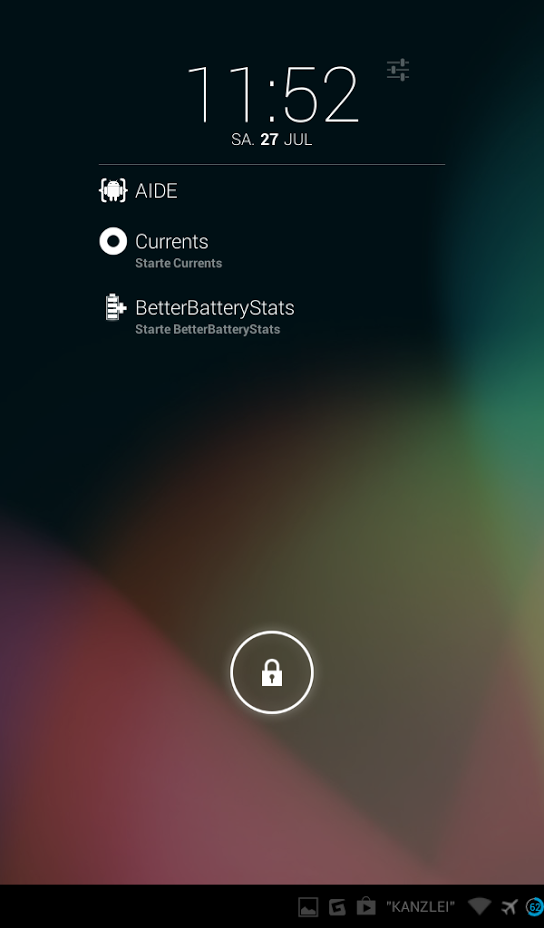
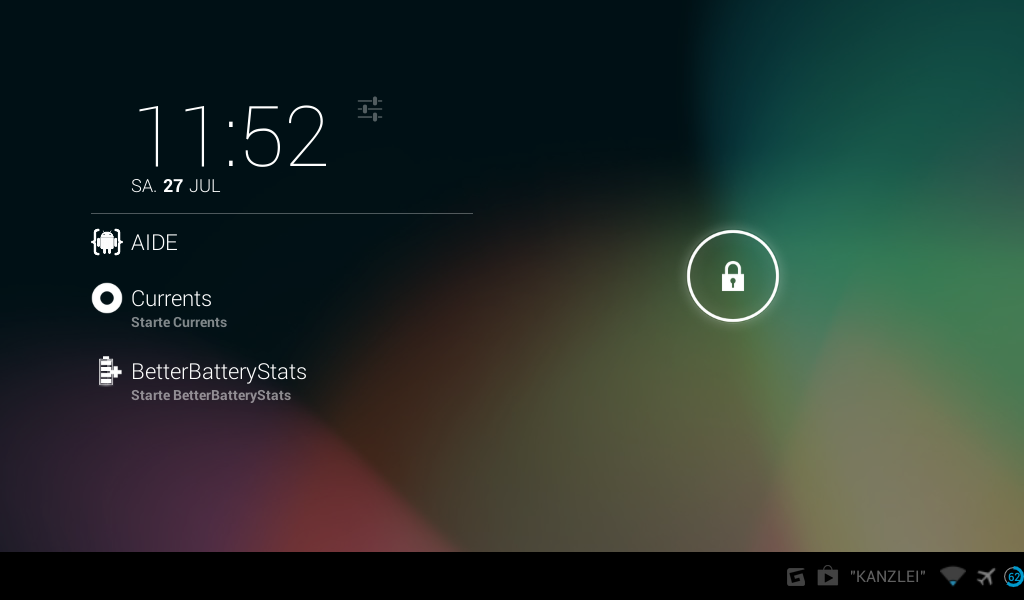
AppLauncher for Dashclock provides an easy way to launch applications right away from your Lockscreen.
This is an Extension for DashClock Widget available here https://play.google.com/store/apps/details?id=net.nurik.roman.dashclock and will NOT work without it.
Android 4.2 is required to run DashClock Widget and therefore also to use AppLauncher for DashClock.
If you have an
issue with the app (e.g. it's not working the way you want it) please write a mail to
[email protected] before you leave a negative review! Thanks in advance
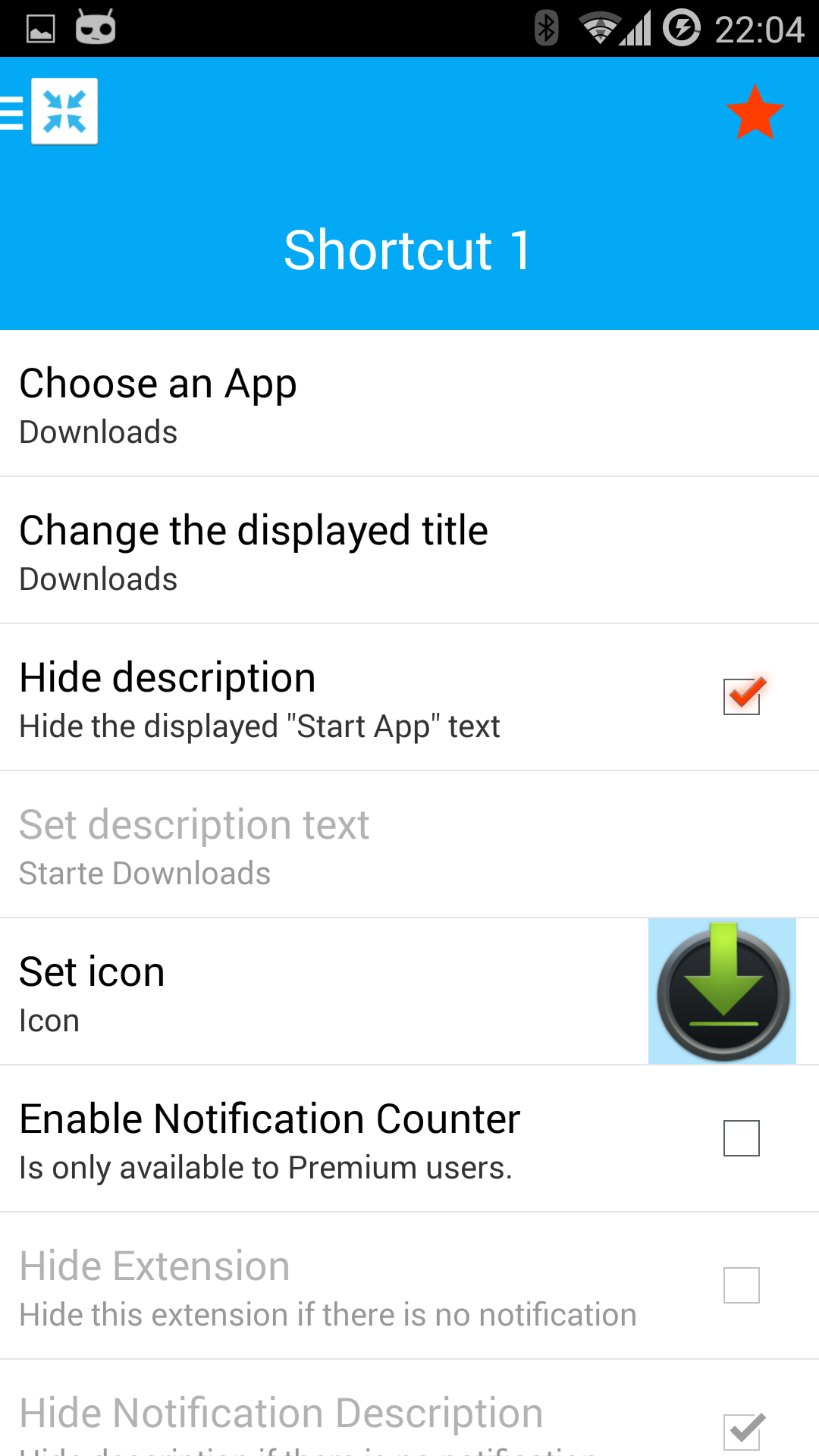
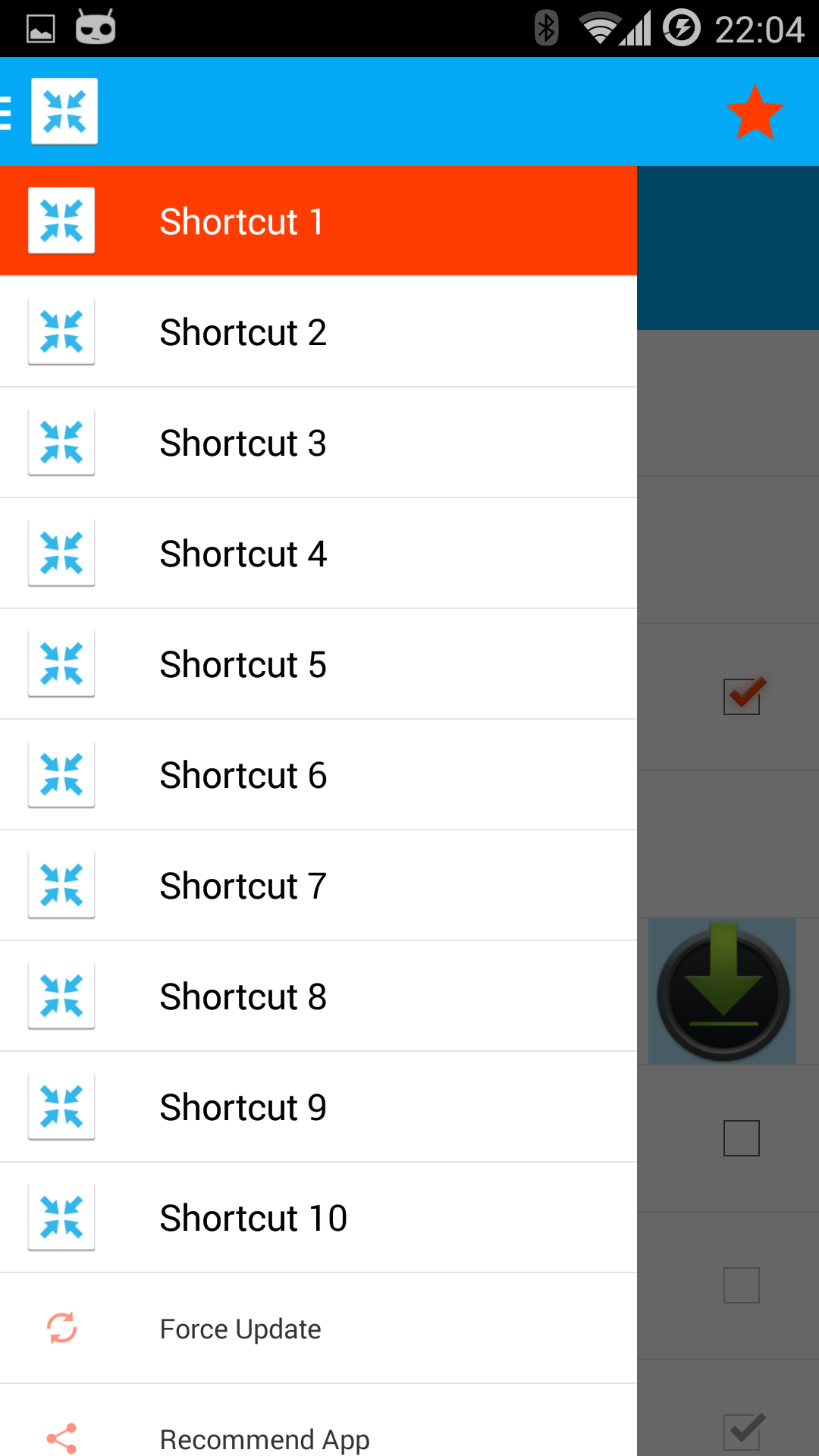
Multiple Shortcuts are now possible!
As Premiumuser you can now display the number of notifications received by
any application: Including WhatsApp, Facebook Messenger, Google Talk, Gmail etc.!
Support for Android 4.3+'s Notification Listener API - Updating Notification details in real time! Including count and description text.
Support for ADW Icon Packs to set your favorite icons - FOR FREE!
Support for Gallery Images to set your own icons - FOR FREE!
If you're coming from an earlier version, and you have Android 4.3 or higher, but you also want to use the new API, just reenable notification scanning and you'll be prompted with further instructions!
----------------------------------
The internet permission is needed to display the advertisement inside the Settings View.
Privacy http://www.sapps.at/privacy-note/
If you have any questions, problems or feature requests, write an email to the developer!
Accessibility ServicesThis app uses Accessibility services. This is needed on older Android versions to offer a notification count. If you don't need the notification count, you can safely disable accessibility services.
To all users who request the chosen app's icon as icon: It's possible now!