Alarm4Me (Paketname: kr.or.lug.alarm4me) wird von GreatDragon.Kim entwickelt und die neueste Version von Alarm4Me-Alarm(+1time), speak memo, snooze 3.3.3 wurde am 26. März 2020 aktualisiert. Alarm4Me-Alarm(+1time), speak memo, snooze liegt in der Kategorie von Lifestyle. Sie können alle Apps von dem Entwickler der Alarm4Me-Alarm(+1time), speak memo, snooze durchsuchen und 72 alternative Apps zu Alarm4Me-Alarm(+1time), speak memo, snooze auf Android finden. Derzeit ist diese APP kostenlos. Diese App kann auf Android 6.0+ auf APKFab oder Google Play heruntergeladen werden. Alle APK/XAPK Dateien auf APKFab.com sind original und 100% sicher, schnell herunterzuladen.
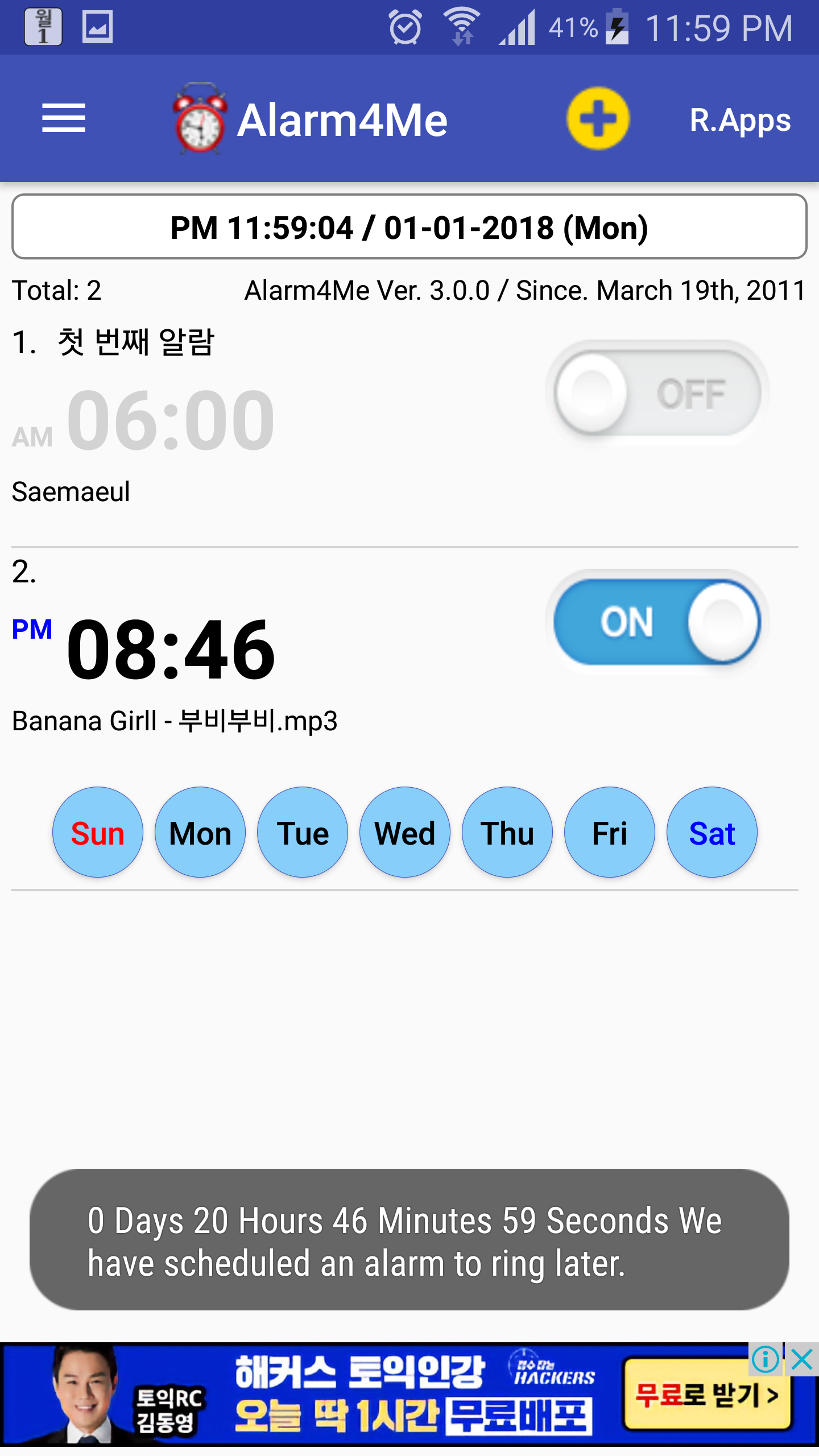
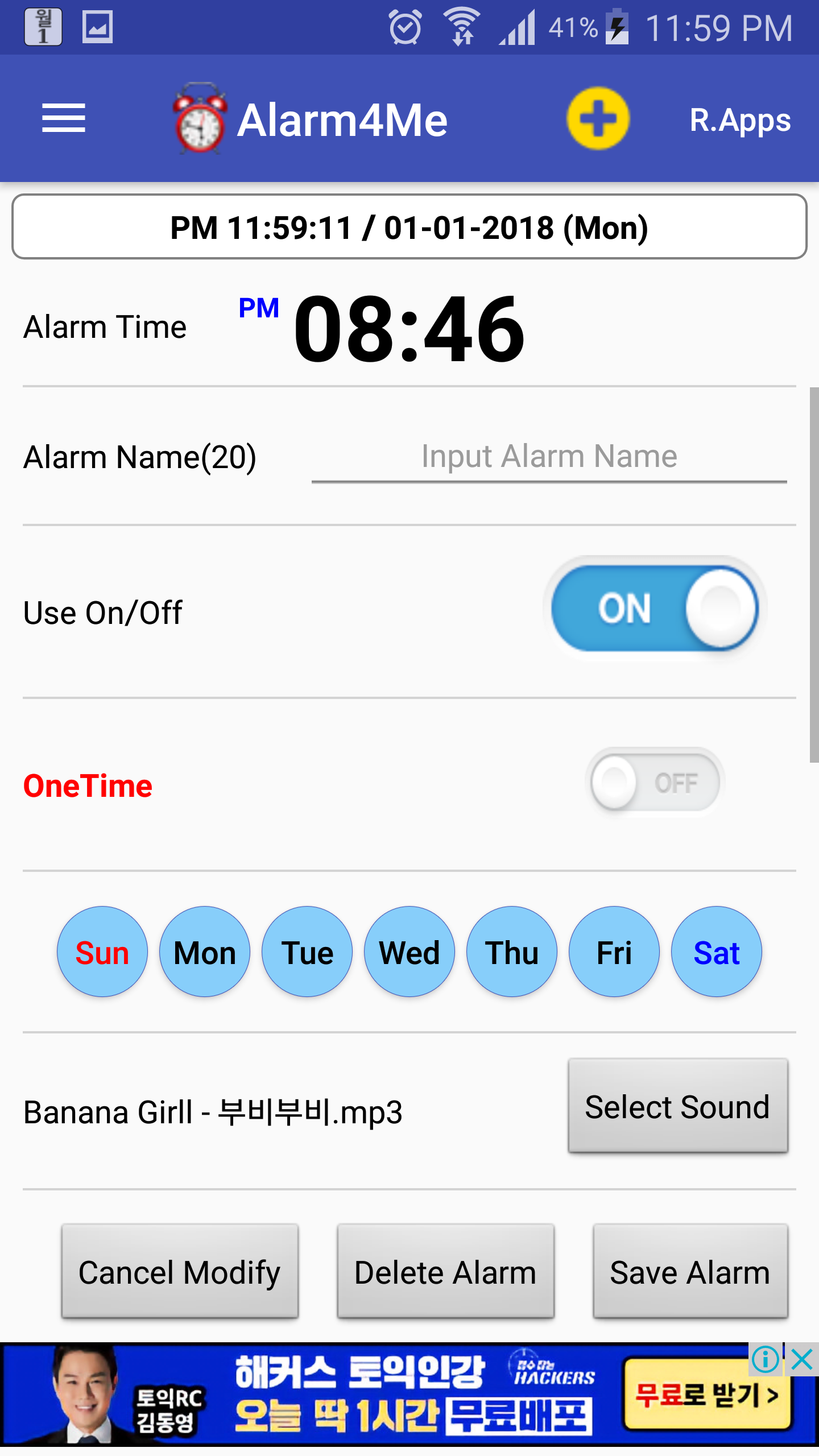
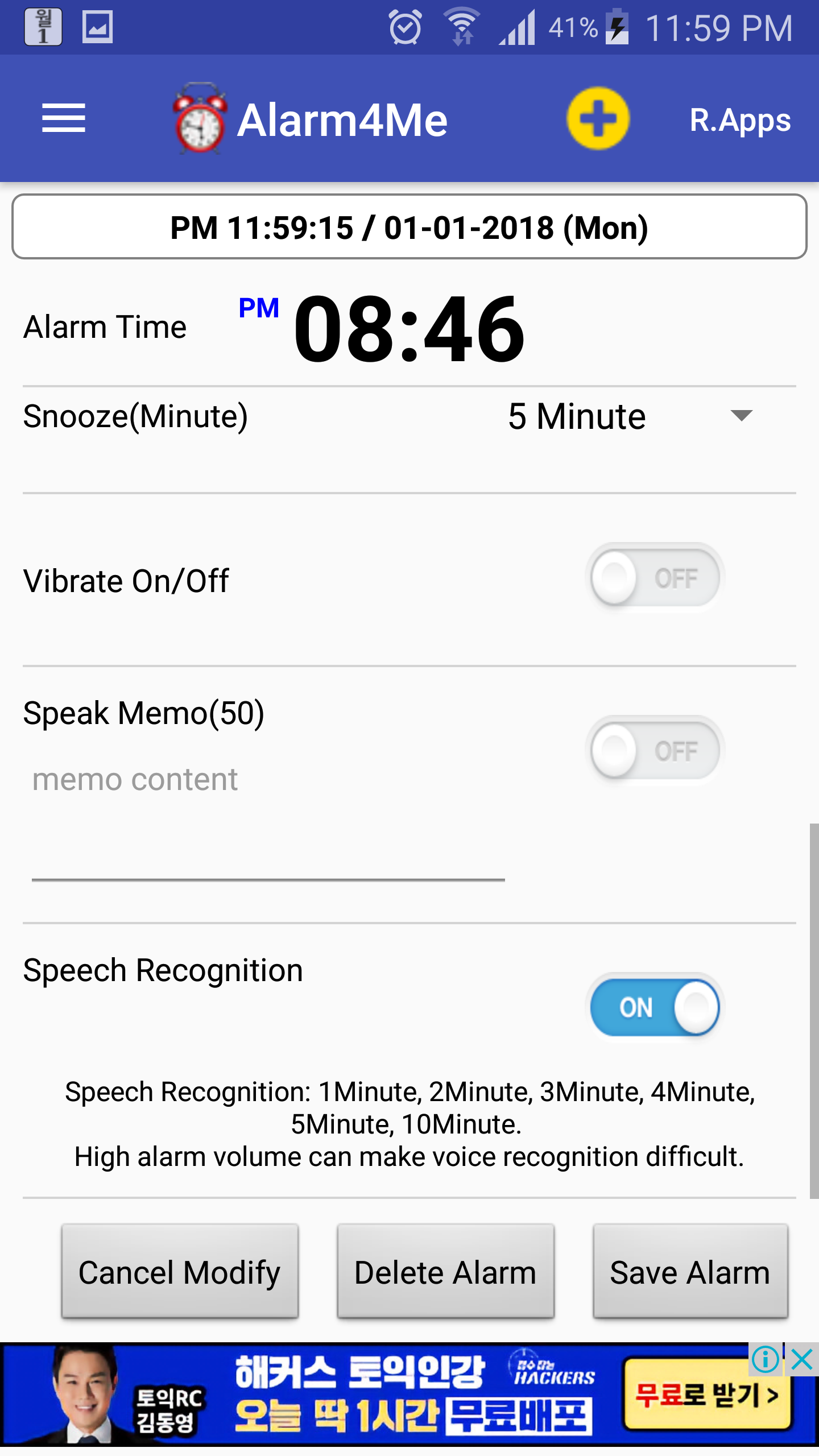
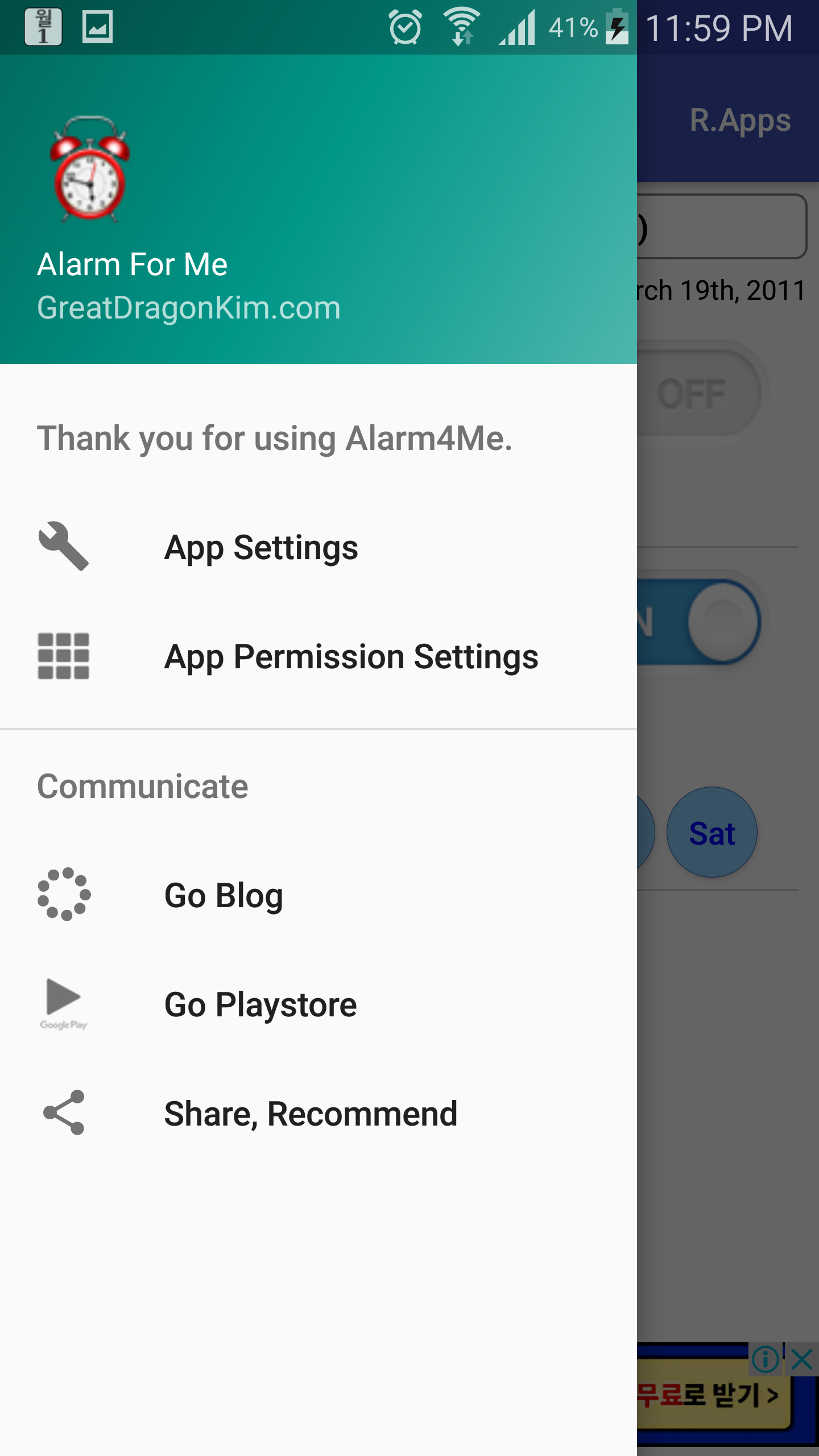
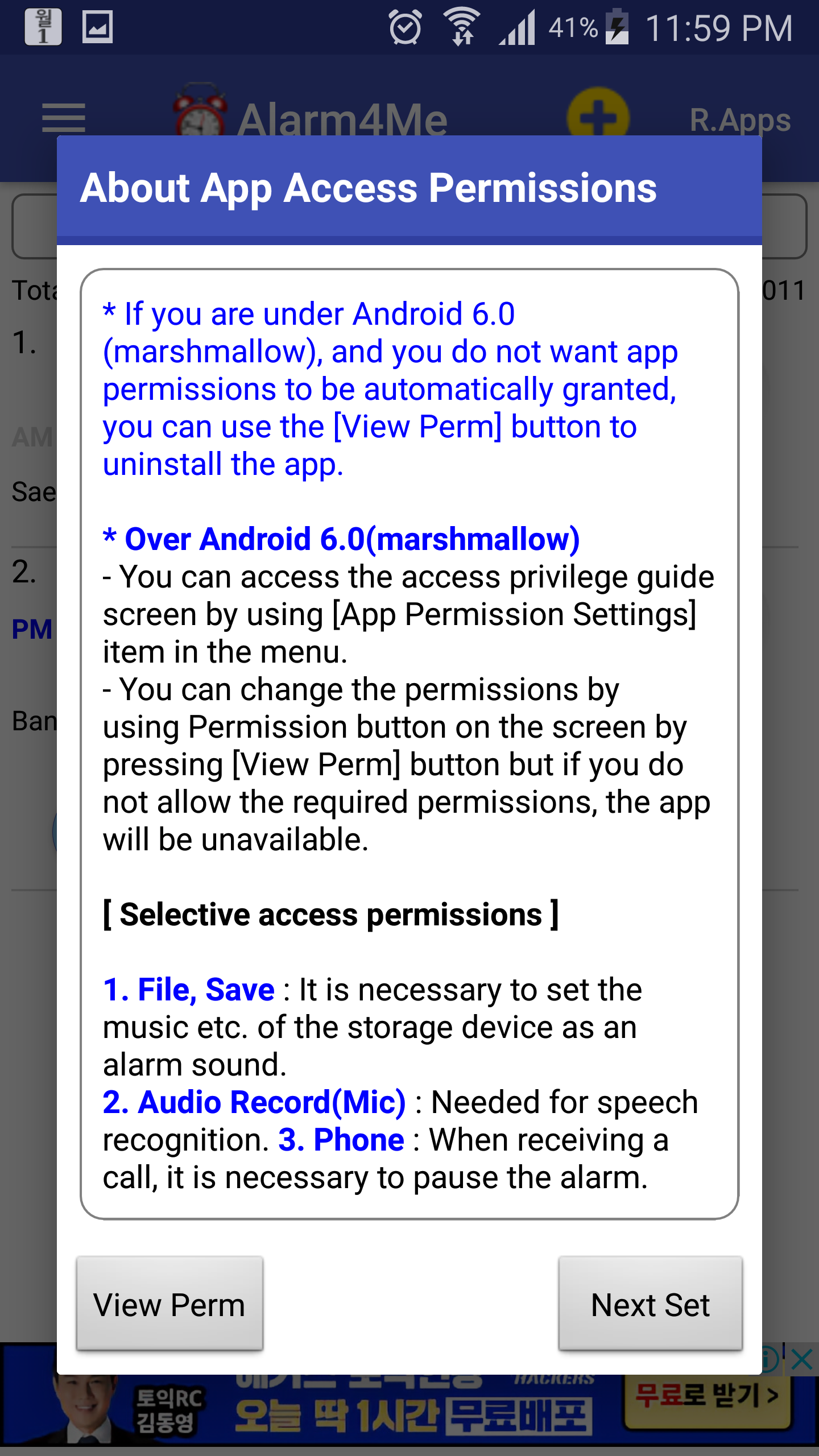
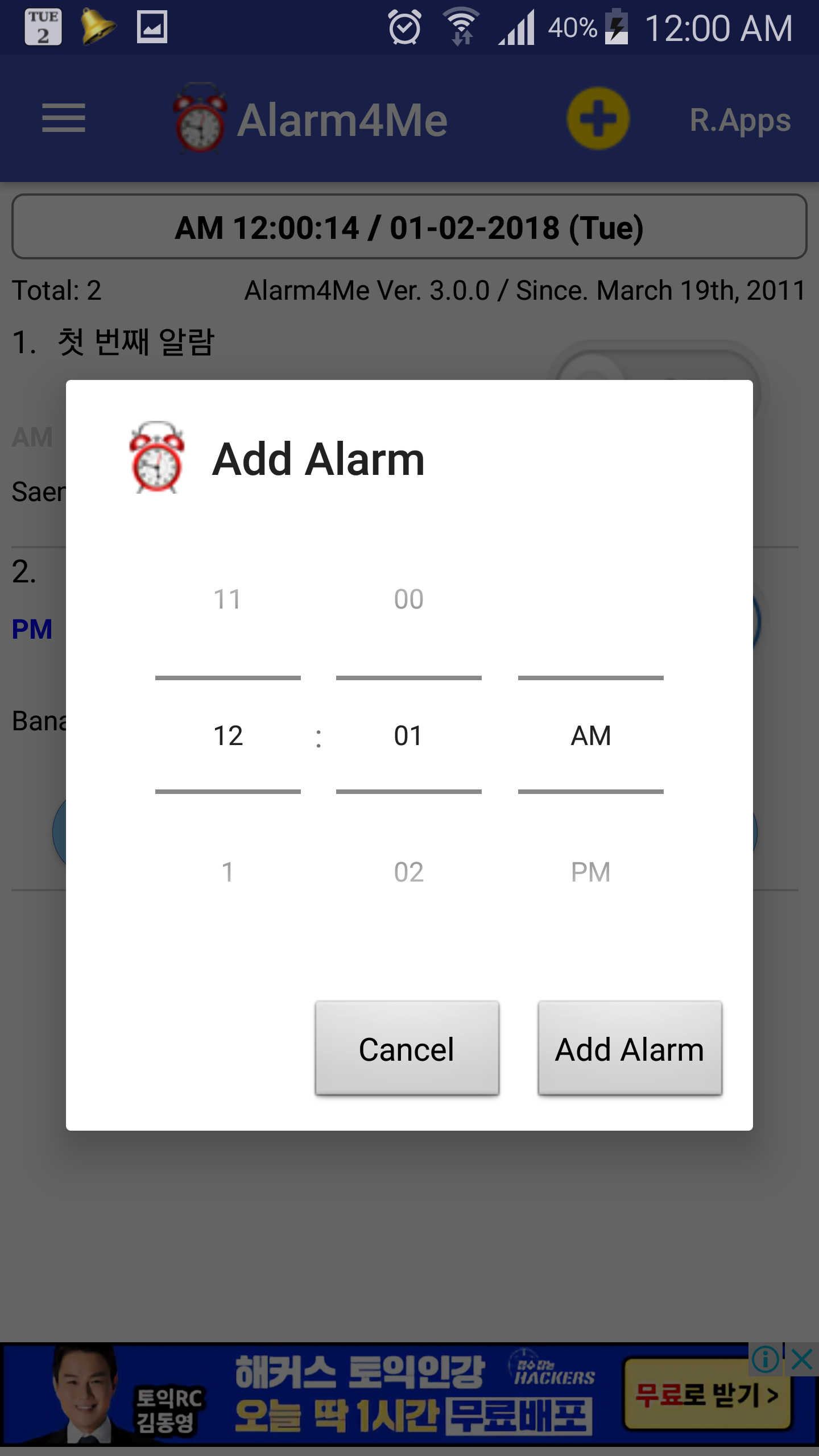
▶ Alarm form used by elites https://bit.ly/2Up9A2N ▶ Alarm4Me(Alarm for Me) The Alarm4Me play the alarm music or speak memo at the set alarm time, and recognizes the number of times a voice or phone shakes, such as five minutes, to provide a snooze function. ▶ First release Saturday, March 19, 2011 * If you like it after using the Alarm4Me, please introduce it to the people around you. * To use the alarm only with vibration, set the volume to zero. ▶ [Setting sequence(Left menu), very important] ① Access Permission Settings - [File, Save: Needed to set music on storage device to alarm sound] - [Phone: Needed to prevent alarm sound execution when a call is being received or busy] ② Ignore Battery Optimization Setting(Easy Set) - [Set to run normally, except battery optimization] ③ Exclude from the manufacturer's own power-saving features - ["Unmonitored apps(Samsung)"] - ["Power saving Exclusions app(LG)"] ④ Display over other apps Permission Setting - [Require overlay permission for alarm sound and alarm window execution] ⑤ Xiaomi Phone Permission Setting - [Left menu usage, permission required] ▶ Samsung/LG phone Android 10 Support, Xiaomi Phone Support - LG V50[Android 10] Tested - Samsung S9+[Android 10] Tested - Xiaomi Hogmi Note 7[Android 9] Tested - Xiaomi 4A[Android 6.0] Tested [Alarm4Me Features] - Basic language: Add basic English, Korean - Basic alarm sound (Korean national anthem) - Schedule an alarm - Alarm name - 1 time alarm - Select the day of the week - Select alarm sound - Select alarm volume - Snoose setting(0 to 30 minutes) - Vibration settings - Write memo, Speak memo - Snooze voice recognition(e.g. 5 minutes) - If the alarm volume is high, normal operation may be difficult. - To apply snooze by shaking the phone(set the number of shakes) - Show the clock - Show remaining Snooze time - Suspend alarm when call is received a call. - Return to original media volume when alarm is finished - Update information - Developer Blog Shortcuts - Google Play Shortcuts - Arrange alarm lists(in ascending time) - Set status bar notification duration(continued (0 seconds) to 60 seconds) ▶ List of smart phones being tested * LG V50(Android 10) * SAMSUNG GALAXY S9+(Android 10) * XIAOMI REDMI NOTE 7(Android 9) * SAMSUNG GALAXY S7(Android 8.0) * LG Nexus 5x(Android 8.1) * SAMSUNG GALAXY S5(Android 6.0) * LG G4(Android 7.0) * XIAOMI REDMI 4 PRIME(Android 6.0) ▶ Have a happy day. I hope you can use it well in your elite life. ▶ List of apps under development/distribution https://play.google.com/store/apps/developer?id=GreatDragon.Kim ▶ Developer's blog - http://www.greatdragonkim.com
Alarm4Me 3.3.3 Update
▶ Alarm4Me Ver. 3.3.3 * Updates for Android 10 * Add Display(Overlay) Permission Settings Over Other Apps * Add permission settings on Xiaomi Phone * Add update information * Stabilize and improve code * Several modifications to English and Korean names
▶ Alarm4Me Ver. 3.3.0 * Updates for Android 10 * Add Display(Overlay) Permission Settings Over Other Apps * Add permission settings on Xiaomi Phone * Add update information * Stabilize and improve code
1. Optimize code 2. Add Ignore Battery Optimization menu at top right placement 3. Add instructions on setting up battery optimization exclusion at the top of your startup screen This phone is Android 6.0 (marshmallow) or later. Because the Alarm4Me may not operate properly after a few days due to battery optimization, please exclude the Alarm4Me from battery optimization by using the "Ignore Battery Optimization" menu at the top.
APKFab.com und der Download-Link dieser App sind 100% sicher. Alle auf APKFab.com aufgelisteten Download-Links für Apps stammen aus Google Play Store oder werden von Benutzern eingereicht. Bei der App aus Google Play Store wird sie von APKFab.com in keiner Weise geändert. Bei der von Benutzern eingereichten App überprüft APKFab.com die Sicherheit der APK-Signatur, bevor sie auf unserer Webseite veröffentlicht wird.