AirWatch Samsung Service
5.5 91
v2.2.0.157 von VMware Airwatch
5.5 91
v2.2.0.157 von VMware Airwatch

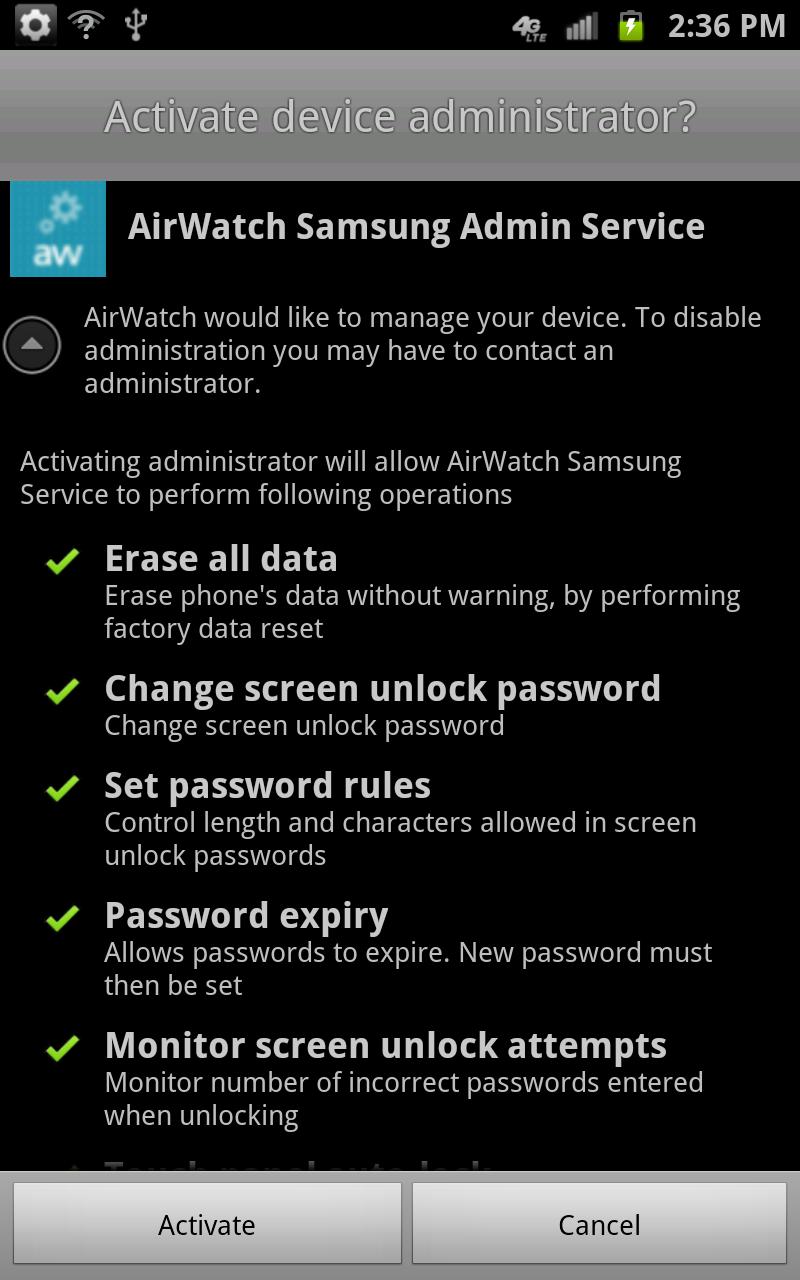
Depending on the AirWatch MDM console version you are using, please follow these steps to deploy to your Samsung device:
If using a 6.1 console or older:
1. You must first download, install, open and activate the Samsung Service
2. Then, download install the AirWatch MDM Agent available in the Google Play
3. You may now enroll like normal and the Samsung features will be activated
If using a 6.1 SP1 console or greater:
1. You must download, install the AirWatch MDM Agent available in the Google Play
2. You may now enroll like normal and the Samsung Service will be pushed to your device during enrollment
Samsung devices are enterprise ready with enhanced security and management capabilities. Remotely manage settings, policies, applications and functionality on Samsung devices. MDM Features include:
1. Device Restrictions
2. Native Mail Client Configuration
3. Wi-Fi Network Setup
4. VPN Network Setup
5. Certificate Management
6. Application Management
a. Blacklisting Apps
b. Required Apps
Paketnamen:
Aktualisierungsdatum:
2014-05-14
Letzte Version:
2.2.0.157
Update brauchen:
Anforderungen:
Android 2.2+
Meldung:

Indeed Jobs
Finden Sie Ihren nächsten Job mit Indeed!
9.4 929K+

Microsoft Teams
Microsoft Teams ist eine Kommunikations- und Kollaborationsplattform für Teamarbeit, Videokonferenzen und Dateifreigabe.
9.3 586K+

Meta Business Suite
Optimiere Social-Media-Management und Kundeninteraktion mit Meta Business Suite.
9.2 444K+

LinkedIn: Business-Netzwerk
LinkedIn: Vernetzen, Karrierechancen erkunden und mit Branchen-News weiterbilden.
7.8 270K+
Scan zu PDF App - TapScanner
Erstellen Sie PDF-Dokumente im Handumdrehen mit Ihrem Smartphone!
9.0 294K+

Microsoft Authenticator
Keine Kennwörter mehr, einfachere Anmeldung und besserer Schutz für Ihre Konten.
9.2 280K+
