ZSelfie - Selfie with earphone
7.9 35
v2.0 por BillApps
7.9 35
v2.0 por BillApps

**** How to use it ?
1. Connect your earphone if this is not the case.
2. You can switch between front camera and back camera with Volume Up /Volume Down button of phone or earphone.
3. Use the button of the earphone Play/Pause, or touch the screen to take pictures.
**** Features
1. Take a Selfie easily by touch screen or Play/Pause button of headphones or earphone .
2. Switch between front and back camera with the Volume UP/Volume DOWN button of phone or earphone .
3. A help message is shown to display how to take a shot and how to switch between front and back camera, this can be permanently closed.
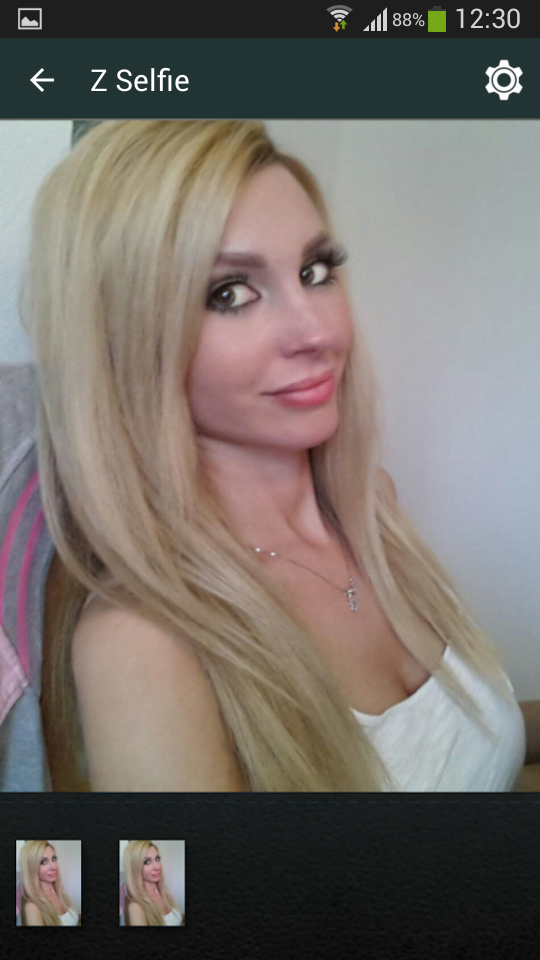
4. The preview includes a thumbnails view of the latest photos.
5. If any thumbnail is clicked, it opens an in-app photo viewer for easy viewing without leaving the app.
6. Take better quality pictures.
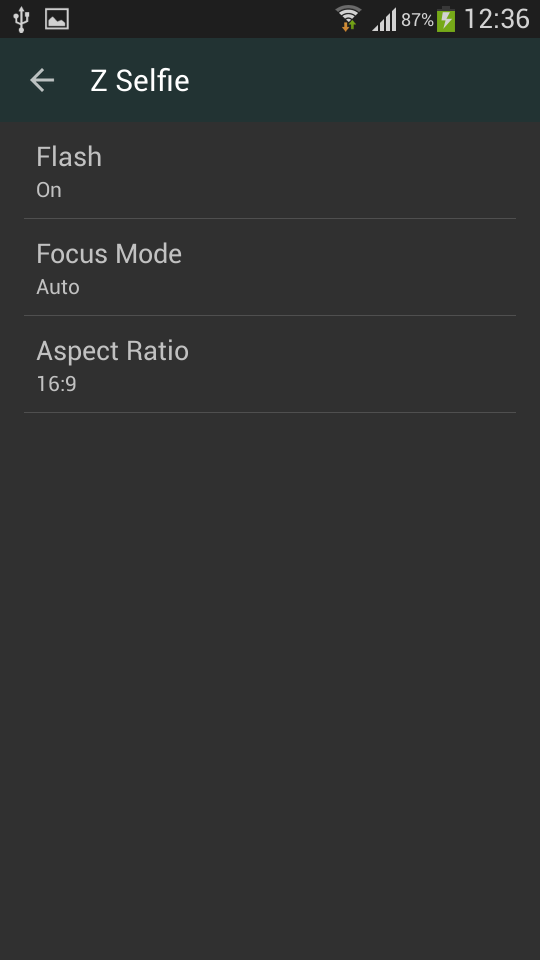
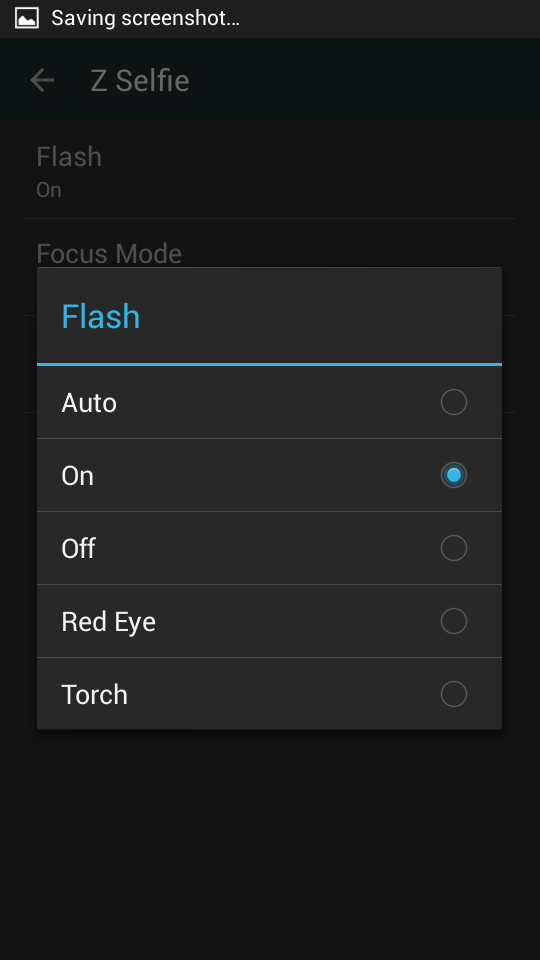
7. You can select the flash mode for front and rear Camera
8. You can select the focus mode for front and rear camera
9. Change the aspect ratio of your picture (16:9 or 4:3)
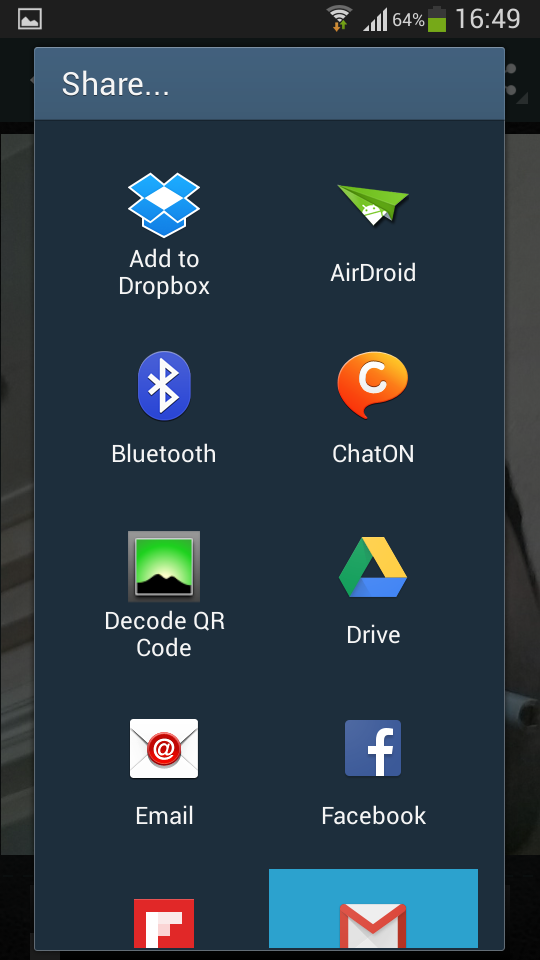
10. Share photos easily with your friends on social networks.
11. Compatibility with BLUETOOTH devices.
**** You need a feature ?
If you need any new feature, you can go into our website and add your request on our feedback tool.
Website : http://bit.ly/getZSelfie


Requires Android: Android 2.3.2+
Screen DPI: 160-640dpi
SHA1: 0bd9b5c31995a0b7a0142c6b960b71048259669f
Size: 2.71 MB
What's New:
Nome do Pacote:
Categoria:
Data de Atualização:
2015-04-20
Última Versão:
2.0
Solicite Atualização:
Requisitos:
Android 2.3.2+
Denunciar:

Google Fotos
O lugar perfeito para suas recordações. Relembre, compartilhe e organize fotos.
8.9 3M+

InShot: Editor de Vídeo e Foto
Editor de videos com música! Fazer video para compartilhar momentos na sua vida!
9.6 2M+

Photo Grid: Colagem de Fotos & Editor de Fotos
Melhor editor de fotos e vídeos Instagram: colagem, quadro, fundo
9.4 752K+