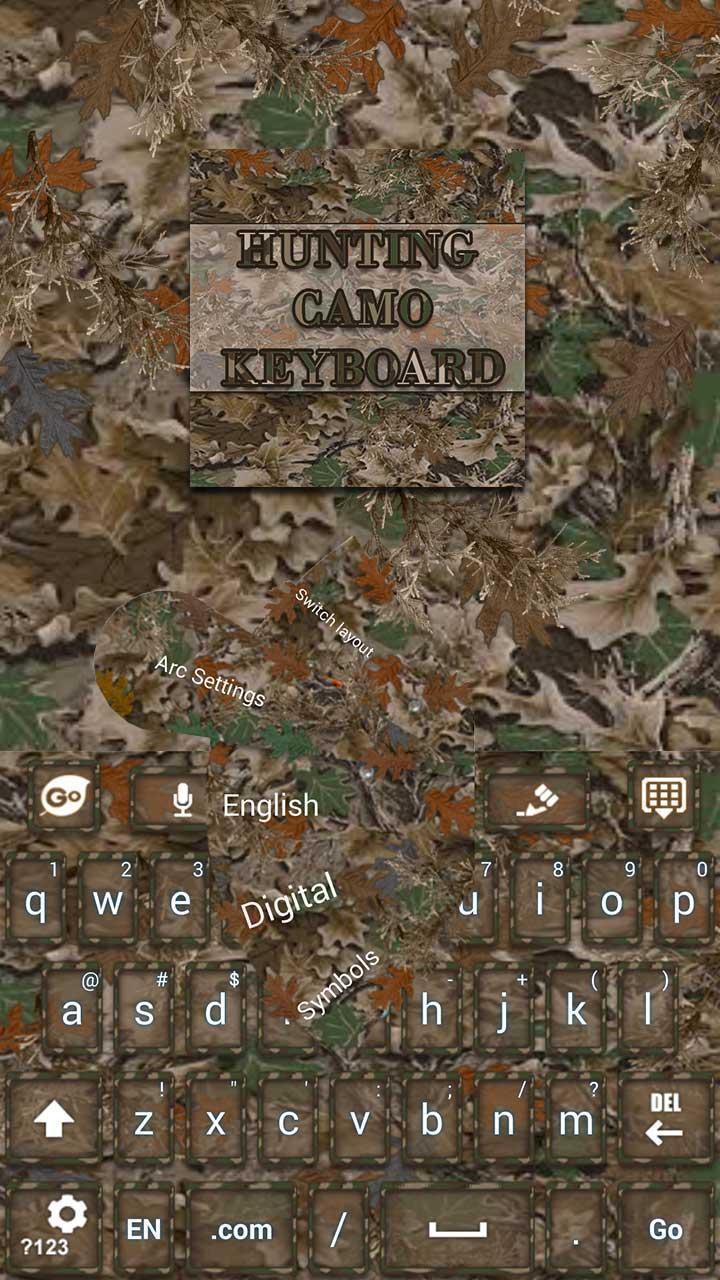
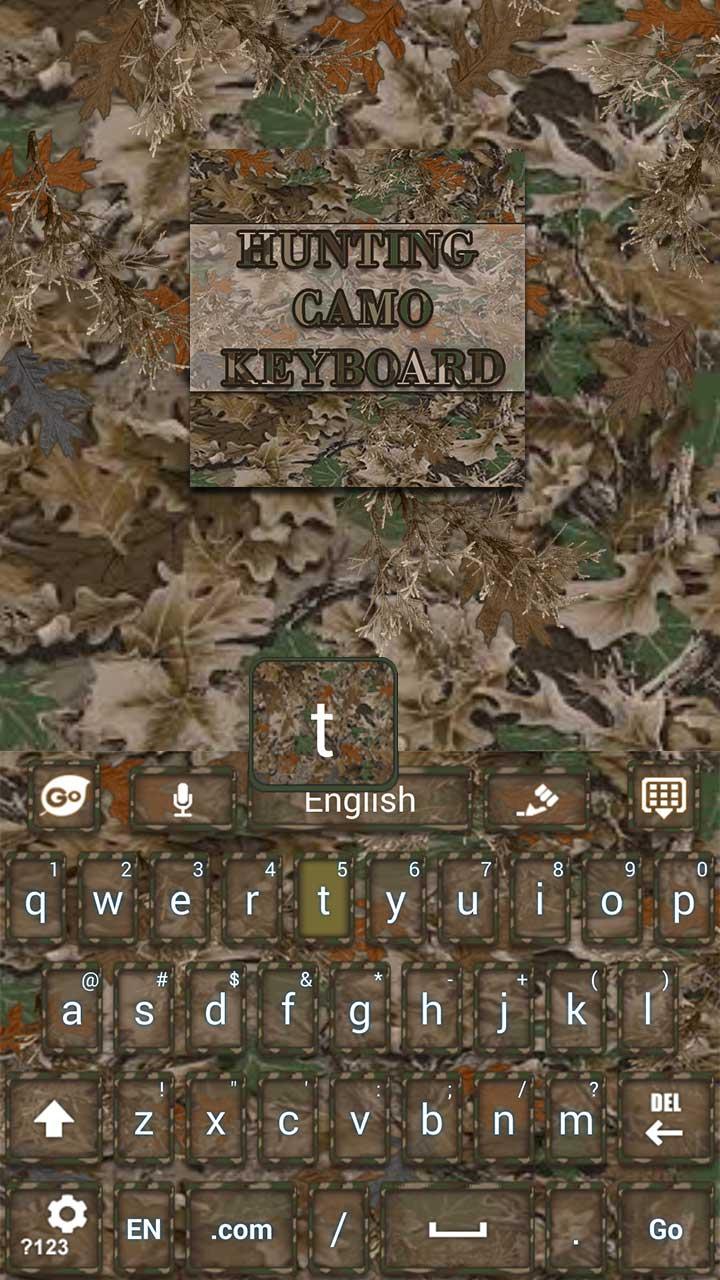
Hunter Camo Keyboard
7.2 7
v1.0 por fab studios
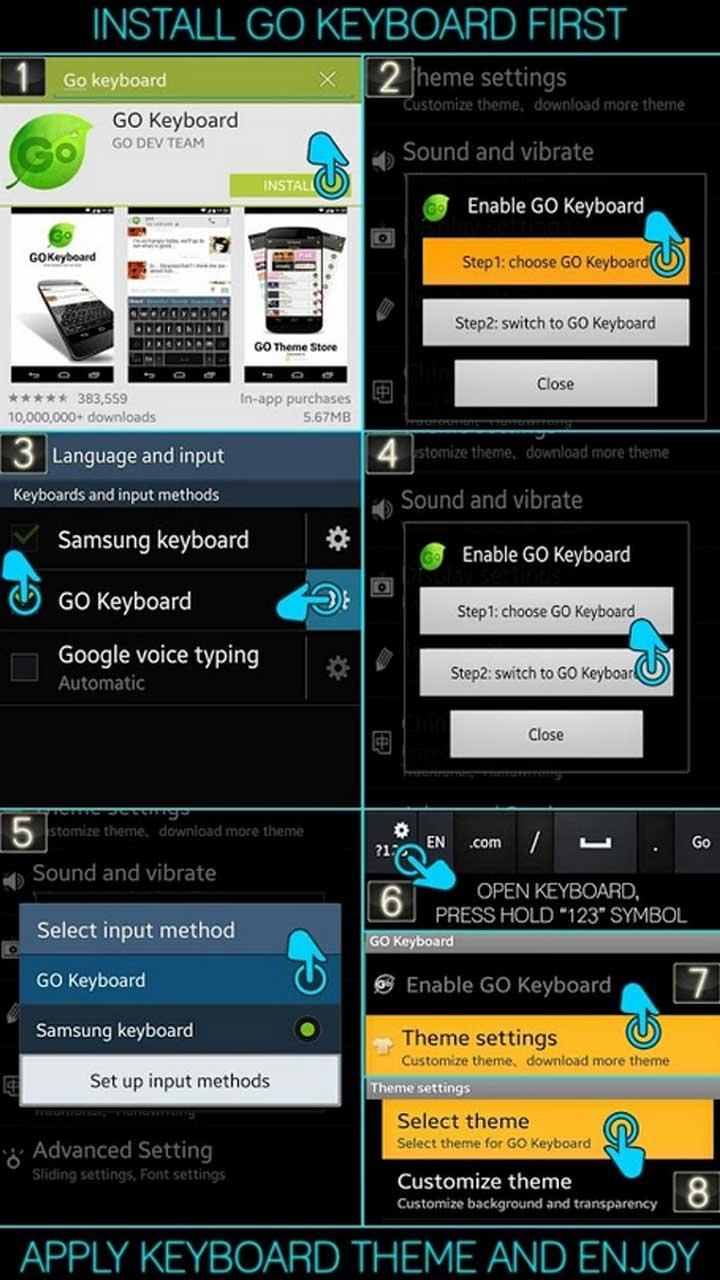
★INSTALL GO KEYBOARD FIRST, READ BELOW★
★ Activating Go Keyboard ★
1) Open Go Keyboard App: Click Step1 > Check Go Keyboard “press ok” > Next to the Checked Go Keyboard is a “Settings symbol” click that. > Click Step2 > Select input: Go Keyboard.
★Applying the Theme★
1) Open Go Keyboard App: click theme settings > click select theme > click “on the name of this theme from the list” > Apply!



Requires Android: Android 1.6+
Screen DPI: 160-240dpi
SHA1: 680c92439040861b0c916d0ddd866511e7a4e634
Size: 1.05 MB
Nome do Pacote:
Categoria:
Data de Atualização:
2015-01-31
Última Versão:
1.0
Solicite Atualização:
Requisitos:
Android 1.6+
Denunciar:

Zedge™ Papéis de Parede
Encontre milhões de papéis de parede, toques, sons de alarme e notificação
9.4 1M+

CM Launcher 3D - Personalizado, seguro
🏆Launcher 3D com temas GRÁTIS, papeis de parede Gerenciador de aplicativos
8.8 611K+

GO Launcher2016 Tema Wallpaper
Moderna substituição da tela&Recursos inteligentes
8.6 720K+